This task can be performed using Orgchartstudio
Create org charts in minutes, not meetings.
Build a clear team structure
This use case suits managers and small teams when hiring, reorganizing, onboarding, or clarifying reporting lines. An organization chart maker replaces slide editing and planning meetings with a direct visual process.
Start by listing roles and reporting relationships, then arrange the hierarchy, check it with team leads, and export a clean image. A good result is accurate, easy to scan, and simple to update when responsibilities change.
Best product for this task

Orgchartstudio
productivity
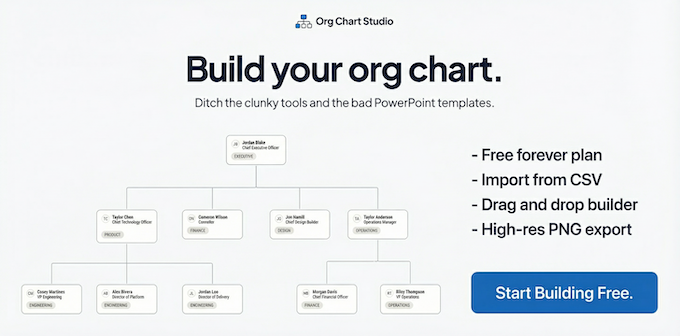
A free org chart maker for managers who value their time. Create organization charts on a visual drag-and-drop canvas, import from CSV, and export clean PNGs. Build up to 10 org charts free - no account required to start. No subscriptions. Just one-time export passes starting at $5 when you need them. Works on desktop and mobile.
What to expect from an ideal product
- Visual drag-and-drop editing
- CSV import for faster setup
- Clean PNG exports
- No account required to start
- Free charts with optional one-time export passes
More about keeping charts current
Treat the chart as an operating document, not a one-time deliverable. Assign an owner and use a consistent org chart template so routine changes do not trigger a redesign.
- Import a clean CSV with one row per person and a consistent manager field.
- Review reporting lines with team leads before exporting the PNG.
- Update the source after each hire, departure, or role change, then export again.

