This task can be performed using Orgchartstudio
Create org charts in minutes, not meetings.
Build an org chart from CSV
Prepare a CSV with one row per employee and consistent columns for name, title, department, employee ID, and manager ID. Then import it into an organization chart maker, map each column, and review the generated reporting structure.
Fix missing managers, duplicate IDs, and incorrect reporting lines before adjusting card positions on the canvas. Keep labels short, use a consistent layout, then export a PNG at a size that stays readable in presentations or documents.
Best product for this task

Orgchartstudio
productivity
A free org chart maker for managers who value their time. Create organization charts on a visual drag-and-drop canvas, import from CSV, and export clean PNGs. Build up to 10 org charts free - no account required to start. No subscriptions. Just one-time export passes starting at $5 when you need them. Works on desktop and mobile.
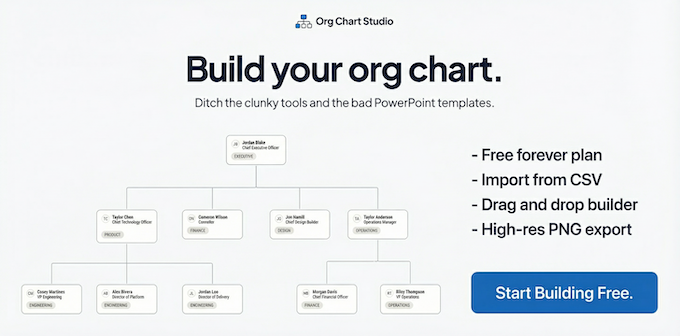
What to expect from an ideal product
- Import your CSV employee data directly into the visual canvas without manual data entry or complex formatting
- Drag and drop employees into the right positions to build your org chart structure in minutes instead of hours
- Export a clean, professional PNG image that's ready to share with leadership or include in presentations
- Build your org chart without creating accounts or dealing with monthly subscription fees that eat into your budget
- Work from any device whether you're at your desk or reviewing the chart on your phone during meetings
More about CSV relationship checks
Before importing into organizational chart software, verify that every employee has a unique ID and that each manager ID points to an existing employee. This prevents broken branches and duplicate cards.
- Give the top leader a blank manager ID, not their own employee ID.
- Filter for manager IDs that do not appear in the employee ID column.
- Break circular chains, such as two employees listed as each other's manager.

