This task can be performed using Orgchartstudio
Create org charts in minutes, not meetings.
Build org charts from CSV
This workflow is for HR teams updating reporting lines after hiring rounds, reorganizations, or data cleanups. Instead of rebuilding boxes manually, prepare a CSV with each employee, role, and manager, then load it into an organization chart maker.
Review unmatched managers and duplicate names, adjust the hierarchy on the canvas, and export a clean PNG for leaders or employees. A good outcome is an accurate chart produced from the current roster, with fewer handoffs and revision meetings.
Best product for this task

Orgchartstudio
productivity
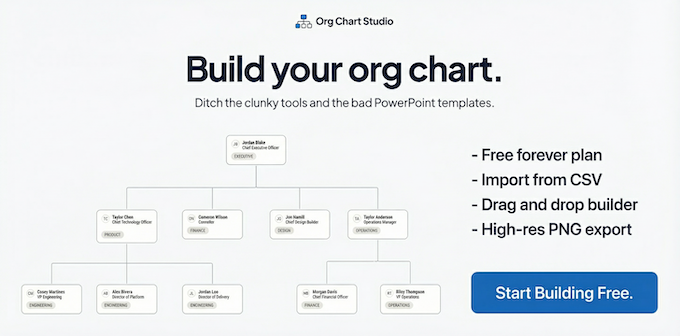
A free org chart maker for managers who value their time. Create organization charts on a visual drag-and-drop canvas, import from CSV, and export clean PNGs. Build up to 10 org charts free - no account required to start. No subscriptions. Just one-time export passes starting at $5 when you need them. Works on desktop and mobile.
What to expect from an ideal product
- Reliable employee and manager CSV mapping
- Fast visual correction of reporting lines
- Clear handling of missing or duplicate records
- Readable PNG exports for sharing
- Low-friction access and predictable export costs
More about CSV preparation
Most import problems come from ambiguous identifiers or incomplete manager fields. Clean the roster first so visual editing is reserved for structural decisions, not basic data repair.
- Use one row per employee, with consistent name, title, department, and manager columns.
- Give employees unique identifiers when names repeat, and standardize manager values before import.
- Decide how to represent vacant roles and secondary reporting relationships before building the chart.

