This task can be performed using Orgchartstudio
Create org charts in minutes, not meetings.
Build the chart asynchronously
Start with a current employee roster containing each person’s name, role, department, manager, and employment status. Ask department leads to correct that shared data asynchronously, using a deadline and named owner instead of booking review meetings.
Then import the roster from CSV or enter it into an organization chart template. Connect each employee to one manager, arrange teams on the canvas, review exceptions, and export a PNG for distribution.
Best product for this task

Orgchartstudio
productivity
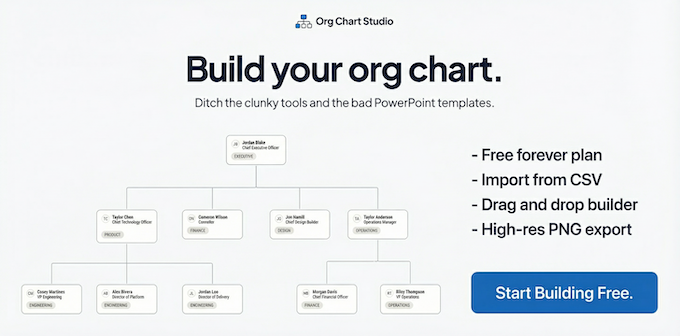
A free org chart maker for managers who value their time. Create organization charts on a visual drag-and-drop canvas, import from CSV, and export clean PNGs. Build up to 10 org charts free - no account required to start. No subscriptions. Just one-time export passes starting at $5 when you need them. Works on desktop and mobile.
What to expect from an ideal product
- Skip the back-and-forth emails by using the drag-and-drop canvas to build charts yourself in real time
- Upload your team data from a CSV file instead of hunting down everyone for their reporting structure
- Work on your org chart from anywhere since it runs on both desktop and mobile without installing anything
- Make changes instantly on the visual editor rather than waiting for IT or design teams to update charts for you
- Export clean PNG files immediately when you're done instead of scheduling follow-up meetings to review drafts
More about roster validation
Validate the roster before loading it into an org chart creator. Most rework comes from unclear manager fields, duplicate employees, or outdated roles, not the layout itself.
- Give every employee one unique row and one direct manager.
- Flag vacancies and contractors consistently before importing.
- Send only unresolved reporting lines to department leads for confirmation.

