This task can be performed using Orgchartstudio
Create org charts in minutes, not meetings.
Create a simple org chart
This use case fits managers, team leads, and operations staff who need a clear reporting view after hiring, restructuring, or role changes. An organization chart maker should turn a roster into a readable chart without requiring a design workshop.
The practical workflow is simple: collect names, titles, and reporting lines, import or place them on a visual canvas, correct the hierarchy, then export a clean image. A good result is accurate, easy to scan, and quick to update.
Best product for this task

Orgchartstudio
productivity
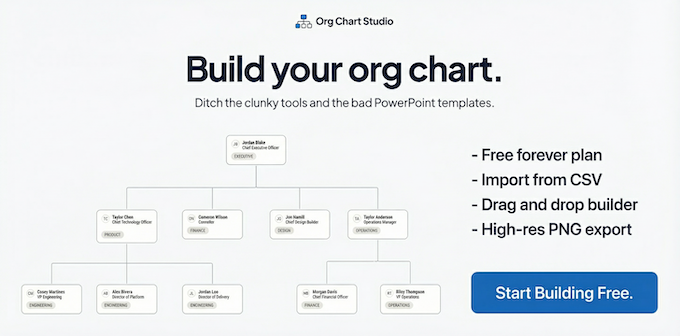
A free org chart maker for managers who value their time. Create organization charts on a visual drag-and-drop canvas, import from CSV, and export clean PNGs. Build up to 10 org charts free - no account required to start. No subscriptions. Just one-time export passes starting at $5 when you need them. Works on desktop and mobile.
What to expect from an ideal product
- Fast drag-and-drop hierarchy editing
- CSV import for existing staff lists
- Clean PNG export for sharing
- Up to 10 charts without an account
- One-time export pricing instead of subscriptions
More about testing the workflow
Compare both tools with one real team rather than a polished sample. The best choice minimizes roster cleanup, manual positioning, and export rework for the people who maintain the chart.
- Time how long each organizational chart software option takes from roster to final PNG.
- Count hierarchy fixes and manual layout adjustments after import.
- Open the export at presentation size and verify names, titles, and reporting lines remain readable.

