This task can be performed using Open Portal
Screenshots that answer back.
Turn screenshots into finished creative
Start with a clean screenshot that contains the layout, product, or visual direction you want to reuse. In screen-aware AI tools, box only the relevant area so menus, notifications, and unrelated content do not influence the result.
Ask for a specific deliverable, such as a 16:9 thumbnail or square ad, then include the audience, required text, brand colors, and elements to preserve. Generate the draft, then check cropping, spelling, logo placement, and legibility before accepting or revising it.
Best product for this task
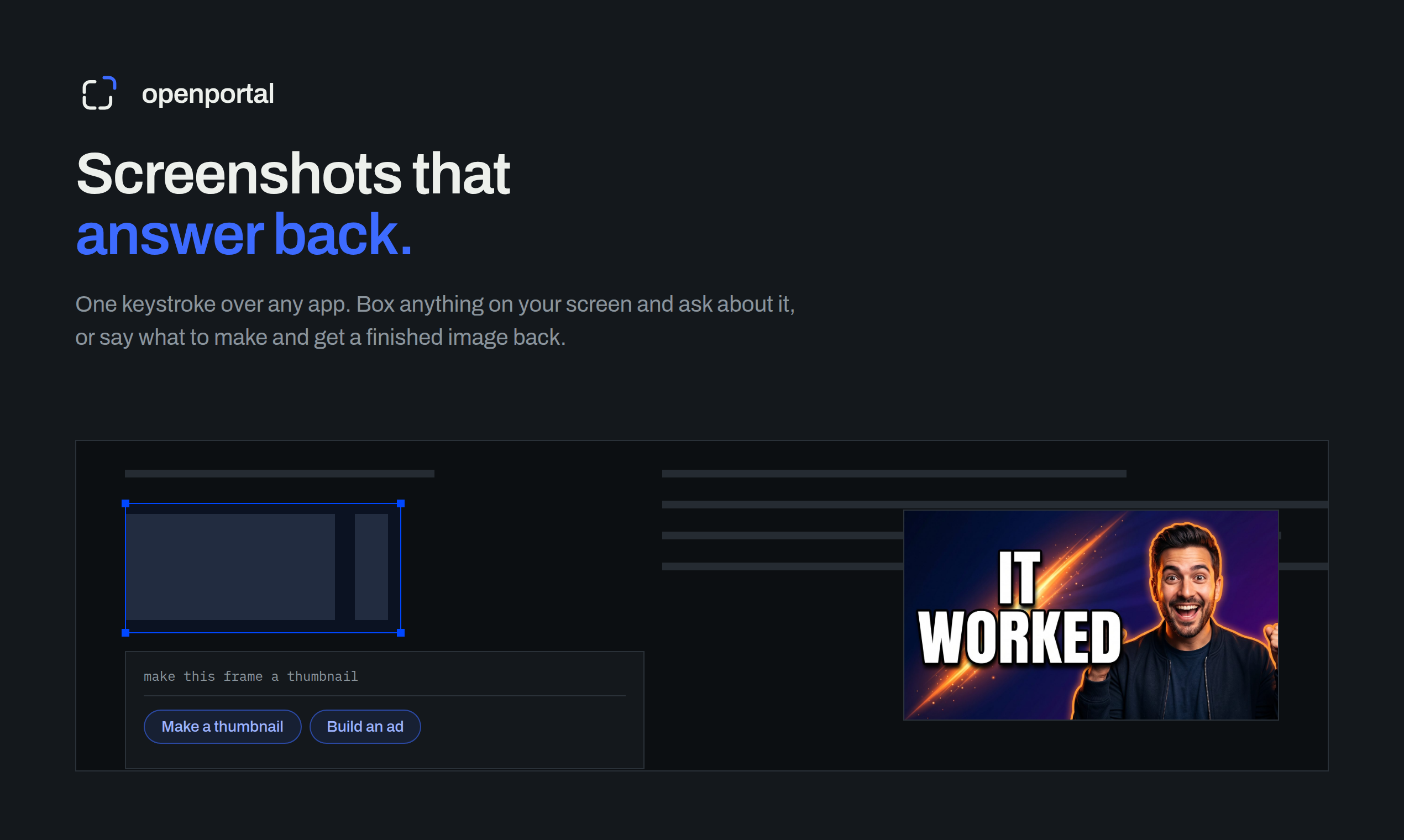
Fastest way to ask AI about anything on your screen. Box anything on your screen. Get an answer, or a finished thumbnail, ad, or redesign.
What to expect from an ideal product
- Open Portal lets you box any part of your screen and instantly turn that selection into a finished ad, thumbnail, or redesign without opening a separate tool.
- Skip the back-and-forth of copying, pasting, and prompting. Just draw a box around what you see and get a usable output in seconds.
- Works on any screenshot, mockup, or live screen content, so you can go from raw visual to polished creative without a design background.
- If you have ever wondered what a competitor layout would look like redesigned, or needed a quick YouTube thumbnail from a screen grab, this handles both.
- No more describing your screen to an AI in text. Open Portal reads what you actually see and responds with something you can publish.
More about final output checks
Treat the first output as production-ready only when it passes a fast visual and factual check. Small screenshot details can become distorted, omitted, or mistaken for required content.
- For AI image generation, verify all text against the brief, not the screenshot.
- Preview the creative at its actual placement size to confirm readability.
- Request one correction at a time when the layout is already close.
More topics related to Open Portal
Similar topics
- How to use open portal for founder, maker, and growth workflows
- How to ask AI a question about anything visible on your screen?
- How to Use a Screen-Aware AI Assistant on Mac or Windows
- How to Use AI to Explain Errors, Dashboards, and Charts from Screenshots
- How to Critique a Website Screenshot and Turn Feedback into Fixes

