This task can be performed using Open Portal
Screenshots that answer back.
Best product for this task
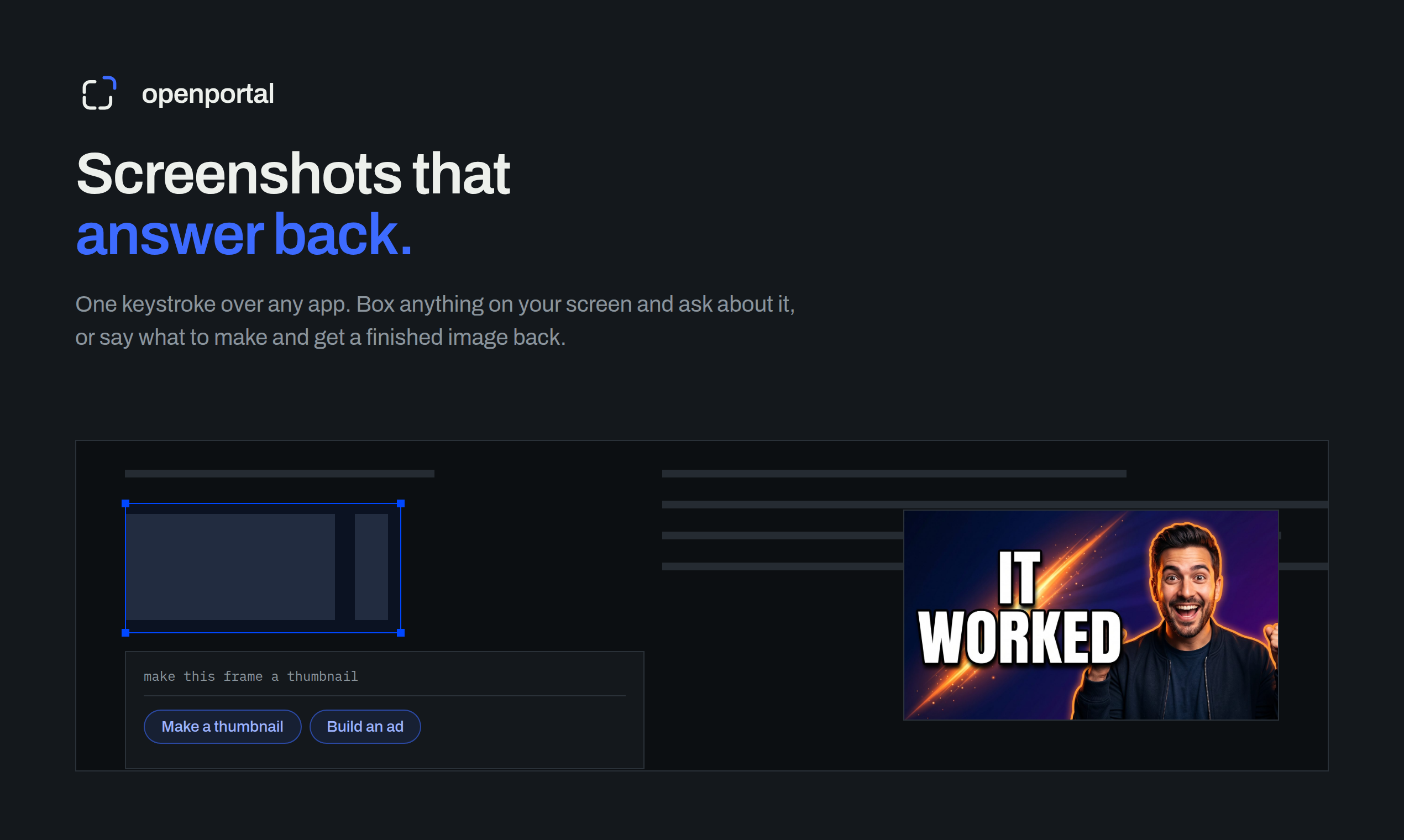
Fastest way to ask AI about anything on your screen. Box anything on your screen. Get an answer, or a finished thumbnail, ad, or redesign.
If you are reviewing a landing page or competitor screenshot, use an AI screenshot tool for competitor research to turn visual observations into prioritized fixes. This guide shows how to check messaging, usability, layout, and conversion signals, then compare screenshots and decide what to change first.
Prepare screenshots for a useful critique
Before reviewing a design, collect comparable screenshots:
- Capture your page and one or more competitor landing pages at the same viewport size.
- Include the full hero section, navigation, primary call to action, pricing or proof area, and footer when possible.
- Remove private data, browser clutter, and temporary banners.
- Note the page goal, such as starting a trial, requesting a demo, or purchasing.
A screen-aware tool can help you box the relevant area and ask focused questions. Open Portal is built for this kind of workflow: it lets you box anything on your screen and request an answer, thumbnail, ad, or redesign. It can be useful when you need an AI screenshot tool for website feedback without manually copying every visual detail.
For broader comparisons between screen-aware assistants and conventional image workflows, see this guide to using a screen-aware AI assistant on Mac or Windows.
Among Productivity products, favor options that make this step easy to verify.
Run a repeatable landing page screenshot analysis
Use the same prompt and checklist for every screenshot. This makes comparisons more consistent.
Ask the AI to review:
- Message clarity: Can a visitor explain what the product does after a quick glance?
- Audience fit: Is it obvious who the page serves?
- Visual hierarchy: Does the headline lead naturally to supporting copy and the main action?
- Usability: Are navigation, controls, and text easy to understand?
- Trust: Are proof points, guarantees, or product details visible where uncertainty occurs?
- Conversion friction: Are there too many choices, fields, or competing calls to action?
- Accessibility signals: Is contrast, text size, and button distinction likely to be adequate?
A practical prompt is:
Review this landing page screenshot for clarity, usability, hierarchy, and conversion friction. List the three highest-impact issues, explain the evidence visible in the image, and suggest one specific fix for each.
This creates screenshot to actionable feedback AI output instead of a vague design opinion. If the image contains a confusing chart, error, or dashboard rather than a marketing page, use a workflow focused on explaining errors and charts from screenshots.
Compare competitor screenshots without copying them
An AI screenshot comparison tool can reveal differences that are easy to miss when switching between browser tabs. Compare screenshots by category:
- First impression: Which page explains its value faster?
- Attention path: Where does the eye appear to go first?
- Action visibility: Which primary button is easier to find and understand?
- Information density: Which page removes distractions, and which hides necessary context?
- Objection handling: Where does each page answer questions about price, trust, setup, or results?
- Responsive priorities: Which elements remain prominent at smaller sizes?
Ask the tool to produce a table with columns for your page, the competitor page, the likely user impact, and a recommended test. Do not treat visual similarity as proof that one design will convert better. A screenshot critique is an evaluated signal, not a substitute for user research or real conversion data.
You can also use the broader AI products category when choosing between visual analysis approaches, especially if you need to compare tools rather than pages.
More topics related to Open Portal
Similar topics
- How to use open portal for founder, maker, and growth workflows
- How to ask AI a question about anything visible on your screen?
- How to turn a screenshot into a finished ad or thumbnail automatically?
- How to Use a Screen-Aware AI Assistant on Mac or Windows
- How to Use AI to Explain Errors, Dashboards, and Charts from Screenshots

