This task can be performed using Orgchartstudio
Create org charts in minutes, not meetings.
Build an org chart quickly
Managers and team leads need this when reporting lines change, a planning meeting is approaching, or a clear team view is overdue. A practical organization chart maker should turn an employee list into a readable structure without requiring lengthy setup or design work.
Start with names, roles, and managers, then arrange the hierarchy visually, correct exceptions, and export a clean image for sharing. A good outcome is an accurate chart created in minutes, easy to review on desktop or mobile, without recurring software costs.
Best product for this task

Orgchartstudio
productivity
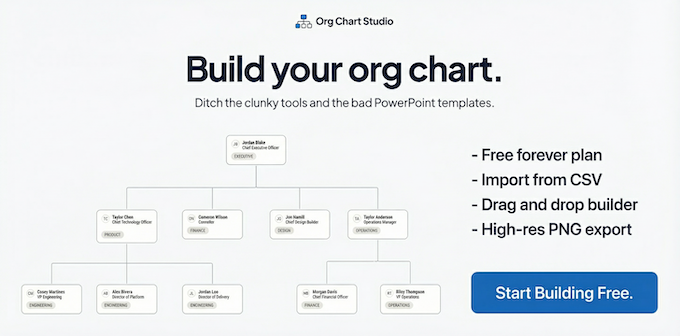
A free org chart maker for managers who value their time. Create organization charts on a visual drag-and-drop canvas, import from CSV, and export clean PNGs. Build up to 10 org charts free - no account required to start. No subscriptions. Just one-time export passes starting at $5 when you need them. Works on desktop and mobile.
What to expect from an ideal product
- No recurring subscription for occasional updates
- Up to 10 charts free before purchase
- No account required to start
- CSV import and visual drag-and-drop editing
- One-time export passes starting at $5
More about CSV preparation
Importing works best when each person has a consistent name, role, and manager value. Clean the source list first so duplicates and broken reporting lines do not reach the canvas.
- Keep one row per person and use identical manager names throughout.
- Use an org chart template to decide which role details belong in each box.
- Flag vacancies and unusual reporting relationships for manual review after import.

