This task can be performed using DisplayMath
Compare screen sizes from your seat, with AR
Best product for this task

DisplayMath
tech
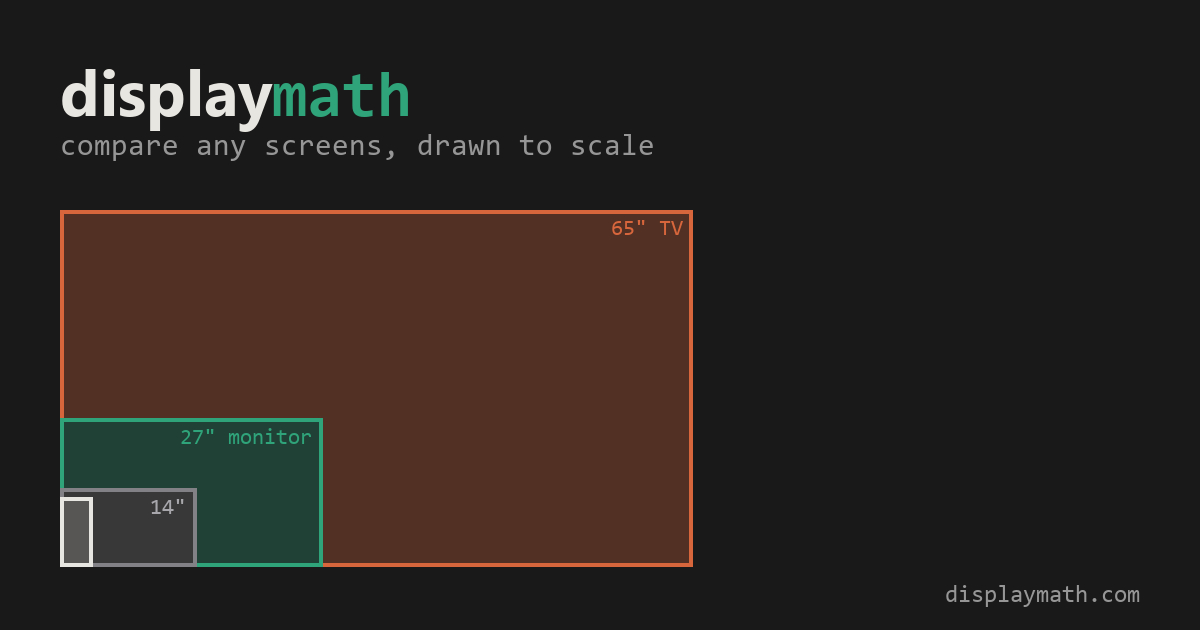
Compare TV and monitor sizes, viewing angles and pixel detail from your seat. Preview a screen at actual size on your wall with AR on a supported iPhone. Free, with no installation or account required.
screen geometryppi calculatorfield-of-view visualizerdisplay sizinghome theatermonitor buyingtv comparisonaugmented reality
What to expect from an ideal product
- DisplayMath lets you point your iPhone at any wall and see exactly how a 65-inch or 85-inch TV will look before you buy it, no app download needed.
- Sitting 10 feet from your screen changes everything. DisplayMath calculates viewing angles and pixel density from your actual seat so you pick the right size, not just the biggest one.
- Forget measuring tape and guesswork. DisplayMath shows a true-to-scale AR preview of any screen size directly on your wall in seconds.
- Works in your living room, bedroom, or office. Compare two monitor or TV sizes side by side to see which one actually fits your space and viewing distance.
- No account, no install, no paywall. Open DisplayMath in Safari on a supported iPhone and start comparing real screen sizes in your room immediately.

