This task can be performed using DisplayMath
Compare screen sizes from your seat, with AR
Best product for this task

DisplayMath
tech
Compare TV and monitor sizes, viewing angles and pixel detail from your seat. Preview a screen at actual size on your wall with AR on a supported iPhone. Free, with no installation or account required.
screen geometryppi calculatorfield-of-view visualizerdisplay sizinghome theatermonitor buyingtv comparisonaugmented reality
What to expect from an ideal product
- DisplayMath lets you project any TV size onto your wall at true scale using iPhone AR, so you see exactly how a 65-inch or 85-inch screen fits before you spend a dollar.
- No app download, no account, no setup. Open DisplayMath in your browser and you are comparing screen sizes in seconds.
- Sit on your actual couch and check viewing angles and pixel sharpness from your real watching distance, not a guess based on a store display.
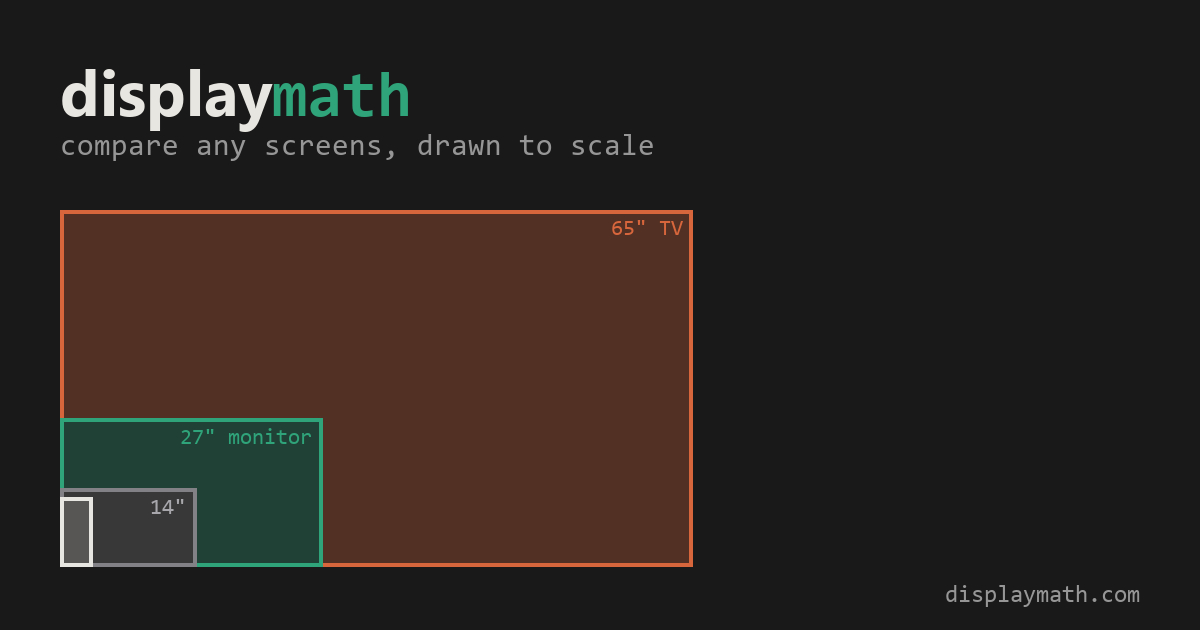
- Switch between multiple screen sizes side by side to settle the "should I go bigger" debate with your own eyes instead of a size chart.
- Works for monitors too, so whether you are planning a home theater or a desk setup, you preview the footprint and proportions in your real room.

