This task can be performed using DisplayMath
Compare screen sizes from your seat, with AR
Best product for this task

DisplayMath
tech
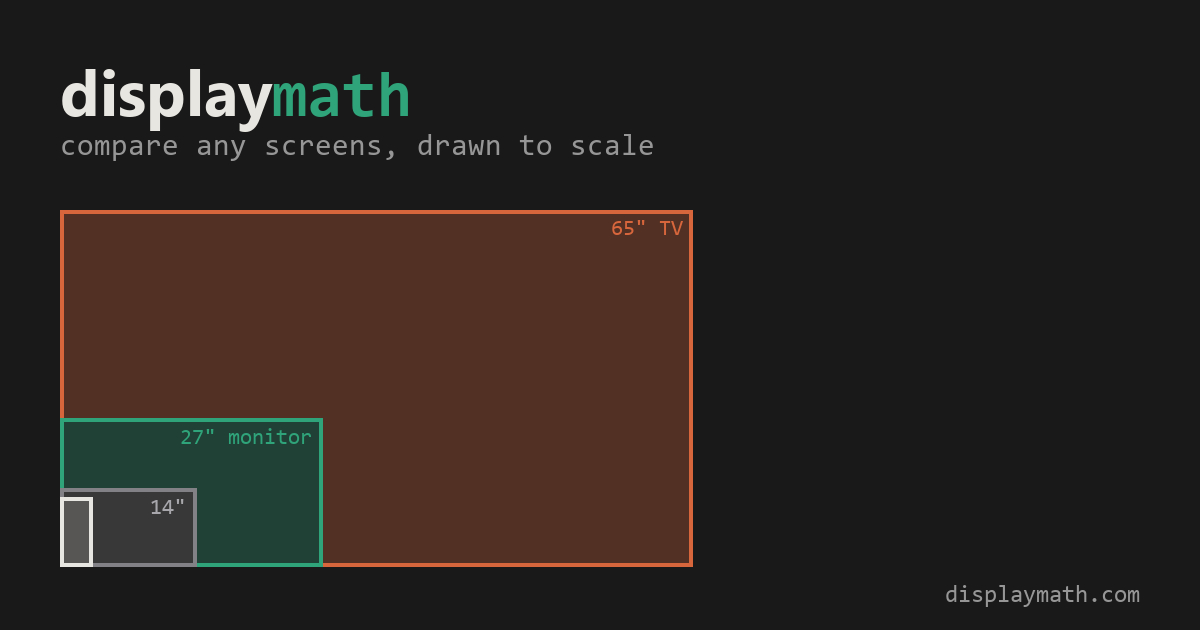
Compare TV and monitor sizes, viewing angles and pixel detail from your seat. Preview a screen at actual size on your wall with AR on a supported iPhone. Free, with no installation or account required.
screen geometryppi calculatorfield-of-view visualizerdisplay sizinghome theatermonitor buyingtv comparisonaugmented reality
What to expect from an ideal product
- DisplayMath calculates pixel density and viewing angle for any screen size before you buy, so you stop guessing whether a 65-inch TV will look sharp from your couch.
- Enter your screen size and seating distance to instantly see pixels per degree, a metric that reveals how much detail your eyes actually resolve at that spot in the room.
- The built-in AR feature projects the screen at true physical size on your wall using a supported iPhone, no app download or account needed.
- Useful when comparing two monitor sizes side by side, like 27-inch versus 32-inch, to see which fills your field of view without overwhelming your desk distance.
- Works entirely in the browser for free, which removes the friction of committing to a purchase and returning a screen because it looked different in a showroom.

