This task can be performed using DisplayMath
Compare screen sizes from your seat, with AR
Best product for this task

DisplayMath
tech
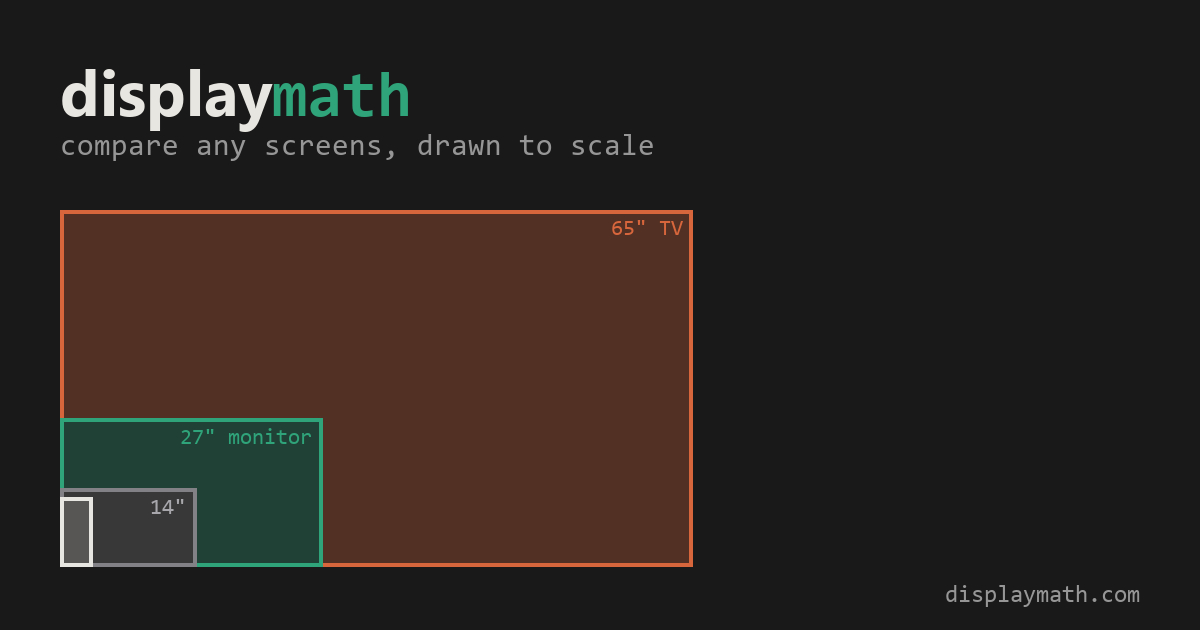
Compare TV and monitor sizes, viewing angles and pixel detail from your seat. Preview a screen at actual size on your wall with AR on a supported iPhone. Free, with no installation or account required.
screen geometryppi calculatorfield-of-view visualizerdisplay sizinghome theatermonitor buyingtv comparisonaugmented reality
What to expect from an ideal product
- DisplayMath shows your exact viewing angle and pixel density before you buy, so you stop guessing whether a 27-inch or 32-inch monitor will actually feel bigger from your desk.
- Point your iPhone at your wall and preview any screen size at true scale using AR, no app download or account needed.
- Comparing a TV across the room versus a monitor up close requires different math, and DisplayMath runs those numbers from your actual seat position.
- Pixel detail calculations help you figure out if a 4K screen at your viewing distance will look sharper than a 1080p one, or if the difference is invisible.
- Most size comparison tools give you diagonal inches side by side, DisplayMath gives you what the screen looks like from where you sit.

