This task can be performed using PDFTranslator
Free PDF Translate Online
Translate a PDF accurately
Choose the source language and each target language, then upload the file to an online PDF translator. Translate one language at a time if batch output is unavailable, and save each result with a clear language code.
Before sharing, compare each translated PDF with the original. Check headings, tables, page breaks, fonts, and numbers, then have a fluent reviewer inspect technical terms and ambiguous passages. AI speeds the first pass, but review determines final accuracy.
Best product for this task
PDFTranslator
productivity
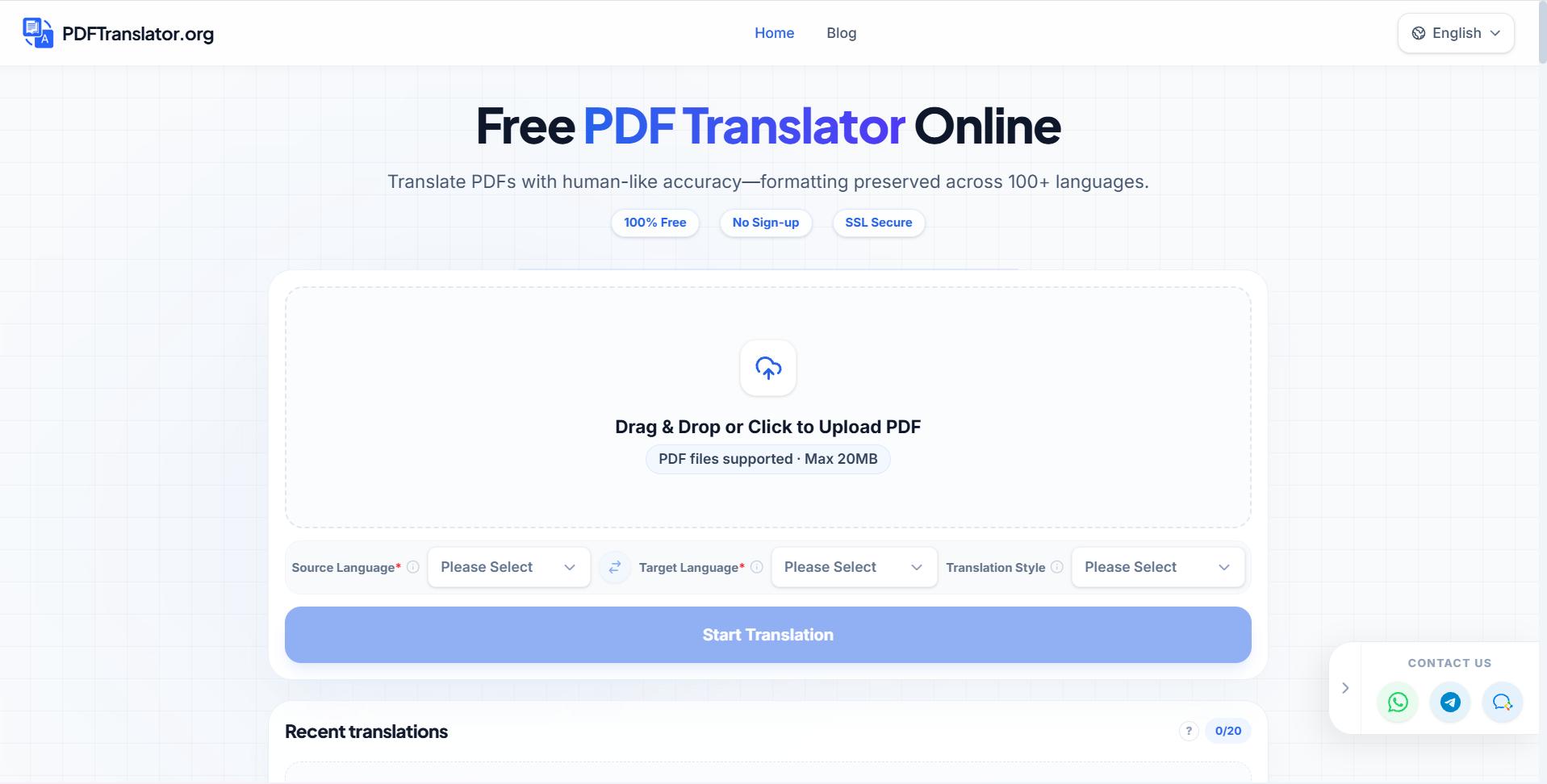
Free PDF Translate is an online PDF translate tool that translates documents without compromising formatting. Using advanced AI PDF translate technology, it supports nearly 100 languages while maintaining layout integrity.
What to expect from an ideal product
- Upload your PDF files directly to the platform and get translations in over 100 languages within minutes instead of waiting days for human translators
- Keep your original document formatting, fonts, and layout intact while translating text, so charts, tables, and images stay exactly where they belong
- Get professional-grade accuracy that understands context and industry terms, making it perfect for legal contracts, medical reports, and technical manuals
- Handle large document batches at once, letting you translate entire folders of PDFs simultaneously without losing quality or speed
- Download your translated PDFs immediately in the same format, ready to share with international clients or teams without any additional editing needed
More about translation checks
Use a risk-based review. Legal, medical, financial, or customer-facing documents need full human verification, while low-stakes internal files may only require targeted sampling.
- Verify names, dates, units, currencies, and negative signs against the source.
- To preserve PDF formatting, inspect dense tables, footnotes, headers, and right-to-left text page by page.
- Apply OCR before translation if scanned text is missing, garbled, or left untranslated.
More topics related to PDFTranslator
Similar topics
- How to fix broken formatting after translating a PDF online?
- Online PDF Translation Workflow for Global HR and Recruiting Teams
- Free PDF Translation for International Student Applications and Academic Records
- How to Choose an AI PDF Translator for Accurate Results
- How to Translate Business PDFs and Check the Final Document

