This task can be performed using PDFTranslator
Free PDF Translate Online
Repair translated PDF formatting
Start with the original PDF, not the damaged translated copy. Check whether fonts are embedded, pages are scanned, and tables or text boxes are complex. An online PDF translator should preserve page geometry while replacing the source text.
Translate a short page range first, then compare line breaks, table cells, headers, footnotes, and page count with the source. If text overlaps or disappears, rerun from the original with a layout-preserving tool instead of repairing every page manually.
Best product for this task
PDFTranslator
productivity
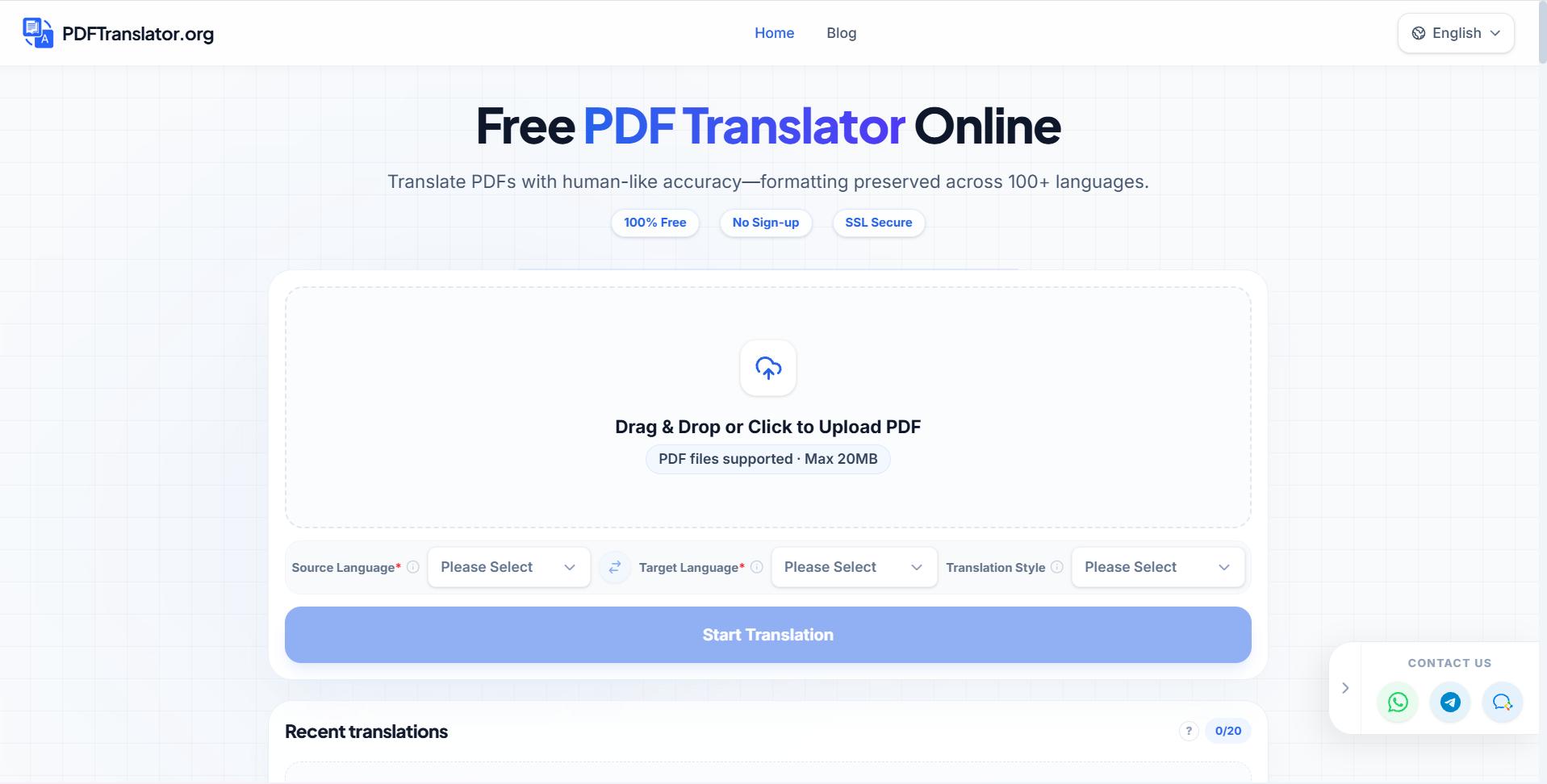
Free PDF Translate is an online PDF translate tool that translates documents without compromising formatting. Using advanced AI PDF translate technology, it supports nearly 100 languages while maintaining layout integrity.
What to expect from an ideal product
- Preserves page layout and text placement
- Supports the required source and target languages
- Handles tables, images, and multicolumn pages
- Produces readable fonts and line breaks
- Allows free online translation without software installation
More about text expansion
Text expansion is the main checkpoint: a format-preserving translation may keep objects in place, but longer translated phrases can still overflow narrow cells or fixed text boxes.
- Test the densest page before translating the full file.
- Inspect tables at 100 percent zoom and in print preview.
- If overflow persists, prioritize readable spacing over identical line breaks.
More topics related to PDFTranslator
Similar topics
- Online PDF Translation Workflow for Global HR and Recruiting Teams
- Free PDF Translation for International Student Applications and Academic Records
- How to Choose an AI PDF Translator for Accurate Results
- How to Translate Business PDFs and Check the Final Document
- How to Translate a PDF Between Languages Online

