This task can be performed using DisplaySwitcher
Switch monitor inputs and transfer text and files between computers
Switch inputs and send files
Connect each computer to a separate monitor input, then confirm the display supports software-controlled input selection, often through DDC/CI. Install compatible software on both computers and connect them to the network required for monitor input switching and transfers.
Pair the computers, assign each machine to its monitor input, and test the switch button. Then send a short text snippet and a small file. If switching fails, enable DDC/CI in the monitor menu and retry without a dock or adapter.
Best product for this task
DisplaySwitcher
productivity
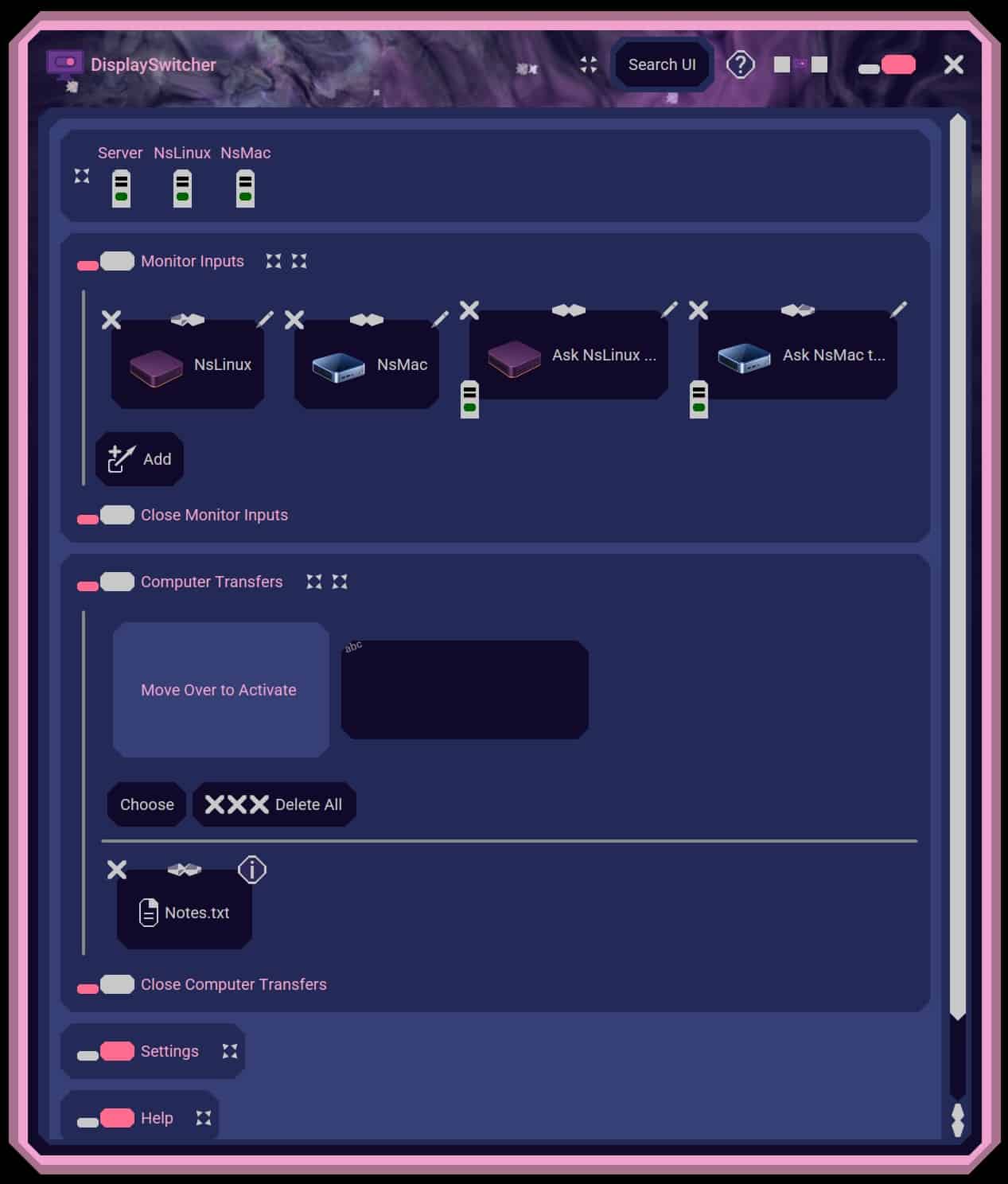
A desktop application for Linux, macOS, and Windows that switches monitor video inputs with a software button and transfers text and files between computers. $5.95 per month with a one-month free trial.
What to expect from an ideal product
- Reliable software control of the monitor’s active input
- Support for Linux, macOS, and Windows
- Simple text and file transfers between computers
- Clear pairing, permissions, and destination controls
- Transparent pricing with a useful trial period
More about compatibility checks
Verify control and transfers separately before building the full workflow. This isolates monitor command problems from networking, permissions, or file transfer issues.
- Enable DDC/CI or external input control in the monitor’s settings.
- Temporarily remove docks or adapters if input commands do not reach the display.
- Send a harmless small file and confirm its destination before transferring important data.

