This task can be performed using DisplaySwitcher
Switch monitor inputs and transfer text and files between computers
Share One Monitor Between Computers
This setup fits people who use two or more computers at one desk but want a single display. It is especially useful when frequent monitor input switching makes physical controls slow or inconvenient.
A smooth workflow changes the active video input, then moves needed text or files to the other computer. The goal is quick transitions without reconnecting cables, navigating monitor menus, or interrupting focused work.
Best product for this task
DisplaySwitcher
productivity
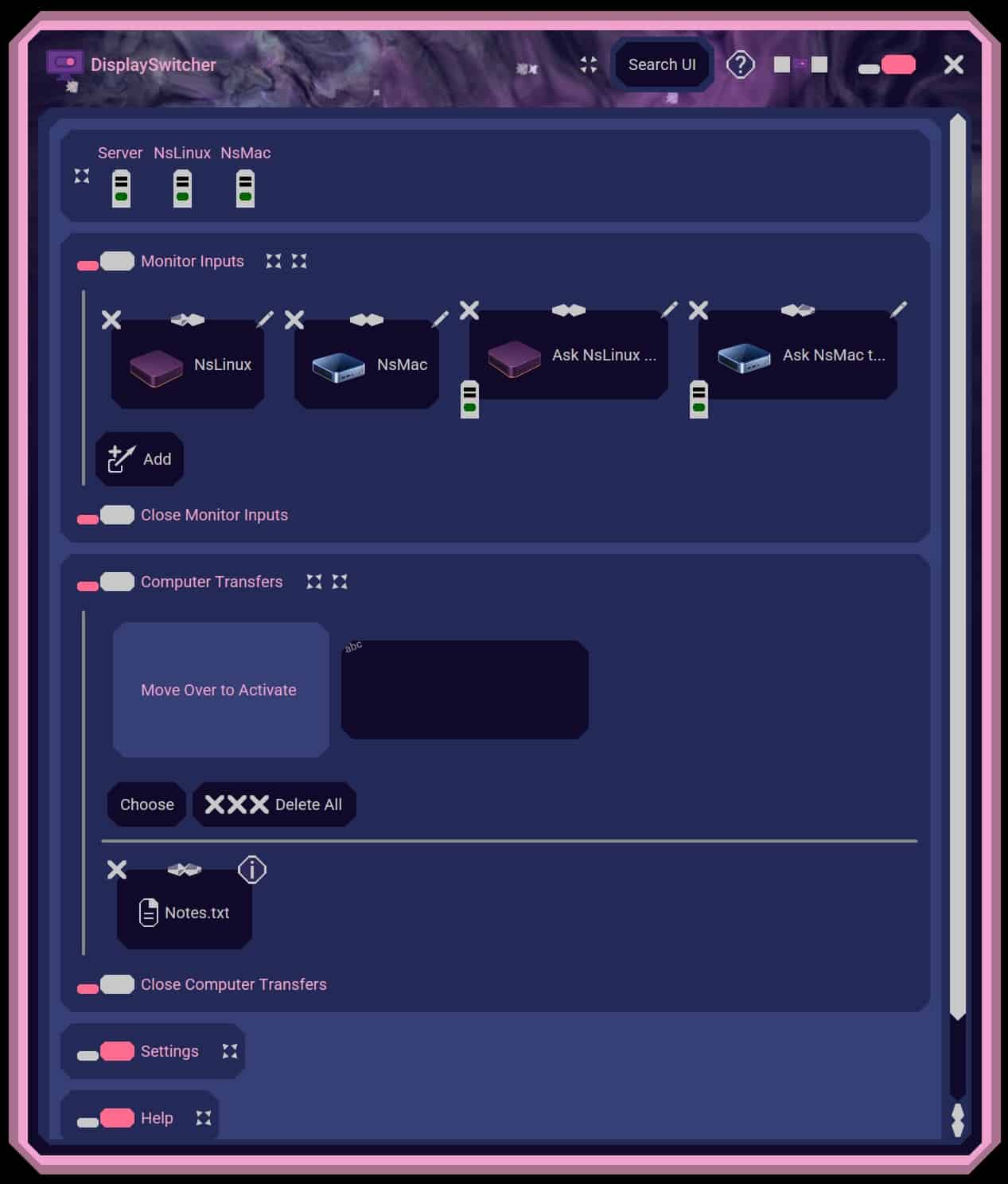
A desktop application for Linux, macOS, and Windows that switches monitor video inputs with a software button and transfers text and files between computers. $5.95 per month with a one-month free trial.
What to expect from an ideal product
- Software button for switching monitor inputs
- Support for Linux, macOS, and Windows
- Text transfer between computers
- File transfer between computers
- No separate KVM box on the desk
More about choosing an approach
Choose based on what must move between machines. Video, text, and files suit a software workflow. Shared keyboards, mice, or USB devices can favor a KVM.
- Confirm each computer uses a separate monitor input and test software switching with your display.
- Choose a KVM when one keyboard or mouse must work before the operating system starts.
- Test file transfer with typical files and every operating system in your setup.
More topics related to DisplaySwitcher
Similar topics
- Best Software for Switching One Monitor Between Multiple Computers
- How to set up DisplaySwitcher for one monitor shared by two computers?
- How to switch a monitor and send files without a hardware KVM?
- How to Switch Monitor Inputs Without Touching the Monitor
- How to Copy and Paste Text Between Mac, Windows, and Linux