This task can be performed using DisplaySwitcher
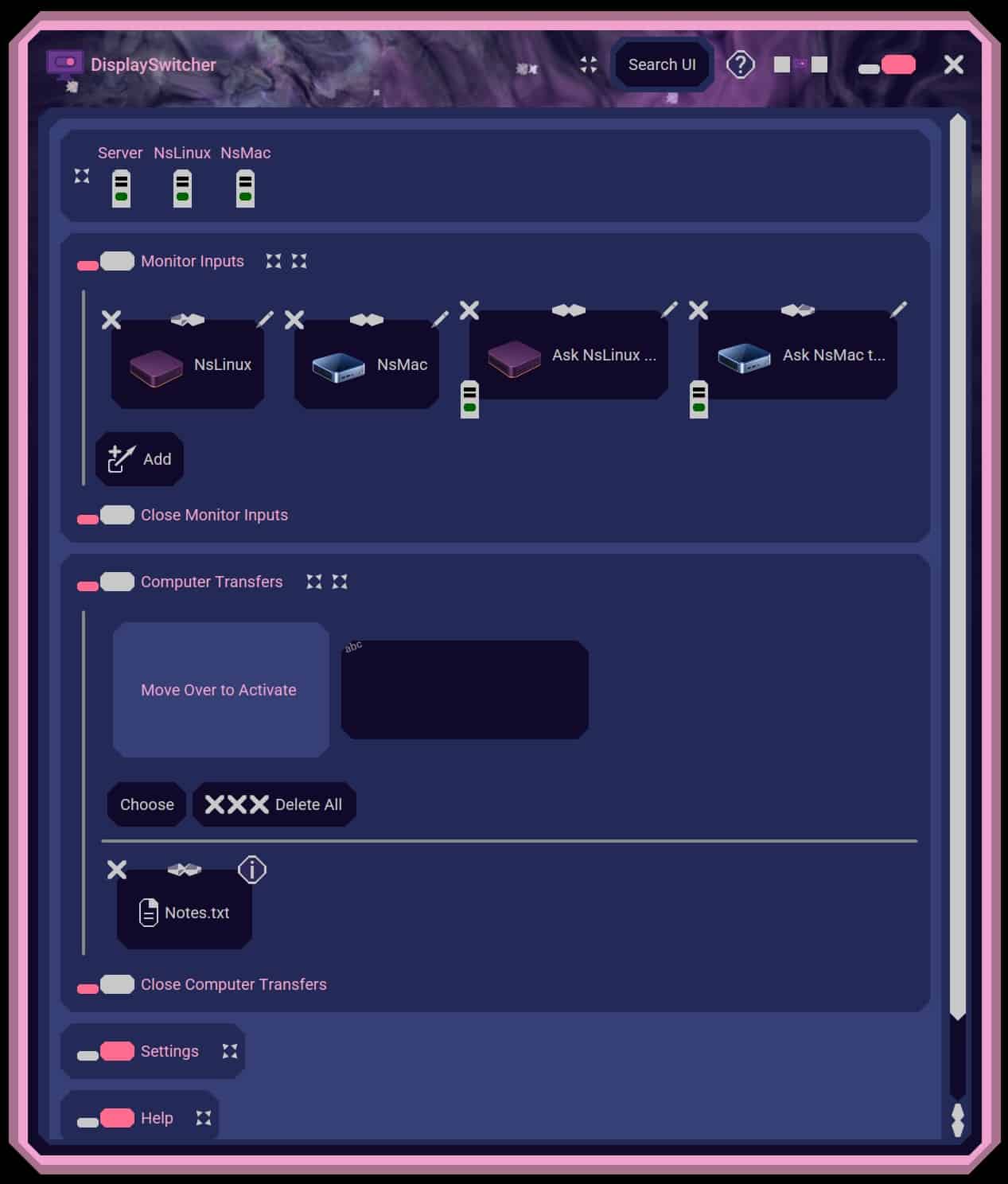
Switch monitor inputs and transfer text and files between computers
Set up the shared monitor
Connect each computer to a different video input on the monitor, then use the monitor's controls to confirm both inputs work. Before installing anything, check that the display supports software based monitor input switching and enable its control setting if required.
Install DisplaySwitcher on both computers using the appropriate operating system build. Follow the setup prompts to connect the computers, assign the monitor input used by each one, and test switching in both directions. Then send a short text sample and a small file.
Best product for this task

DisplaySwitcher
productivity
A desktop application for Linux, macOS, and Windows that switches monitor video inputs with a software button and transfers text and files between computers. $5.95 per month with a one-month free trial.
What to expect from an ideal product
- Support for both computers' operating systems
- Compatibility with the monitor's input controls
- Simple software input switching
- Reliable text and file transfers
- Clear trial and subscription cost
More about transfer checks
Validate file transfer separately from display switching. A successful input change only proves monitor control works, not that text and files can move between the computers.
- Send plain text first, then a small noncritical file.
- If transfer fails, confirm both app instances are running and review operating system permission prompts.
- Repeat the test in both directions before moving important files.

