This task can be performed using Seply Speaker Split
AI-powered speaker separation tool
Best product for this task

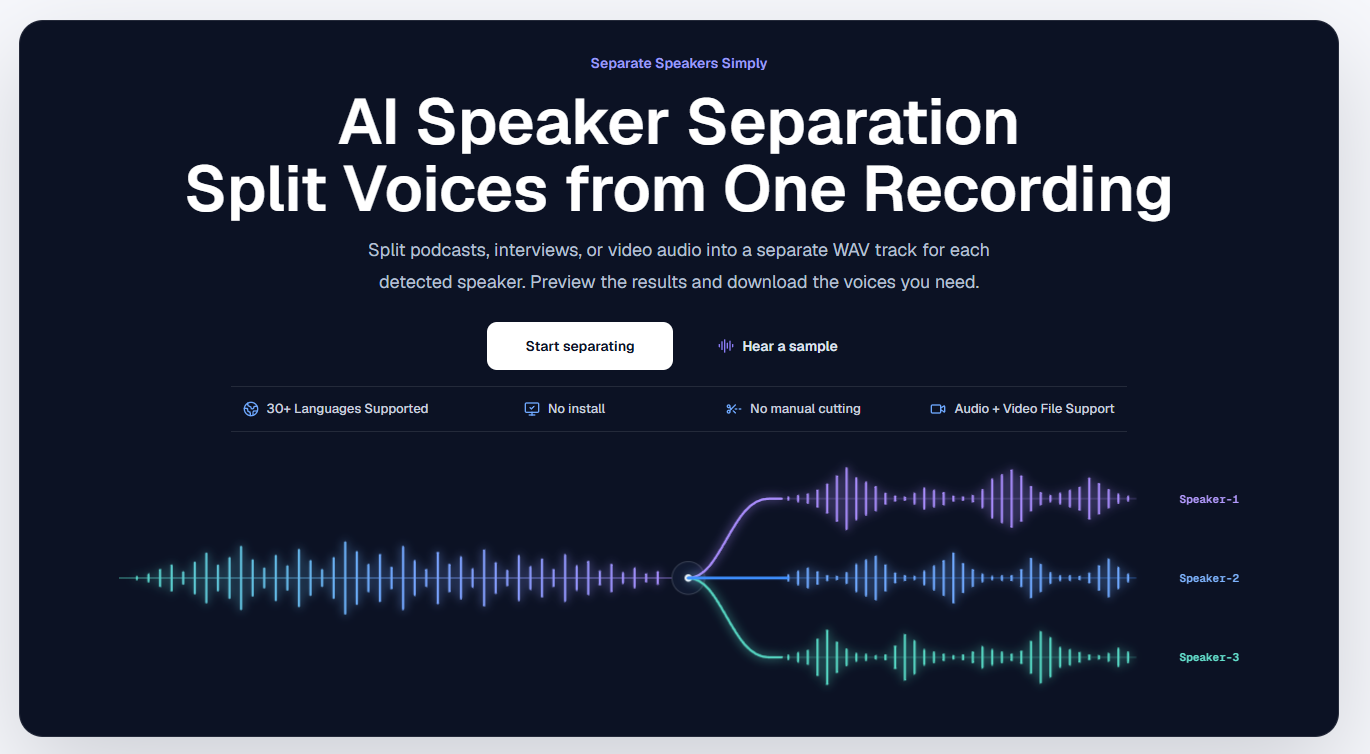
Seply uses AI speaker separation to transform mixed conversations into time-aligned individual WAV tracks for each voice, so podcasters, interviewers, and editors can work faster with cleaner, more controllable audio.
ai stem separationdialogue isolatoraudio editingpodcastingspeech processingmedia productionspeaker separationspeaker split
What to expect from an ideal product
- Seply Speaker Split detects and separates each voice in a podcast recording into its own WAV file, so you can edit, EQ, and mix speakers independently without bleed or overlap.
- Works on interview-style recordings where two or more people share a single microphone or mixed audio track, saving hours of manual splitting in your DAW.
- Each output track stays time-aligned to the original conversation, so syncing speakers back together during export is clean and frame-accurate.
- Podcasters and video editors use Seply to fix recordings where guests were captured on one channel, removing the need to re-record or send files back for clean-up.
- Upload a single mixed audio file and get back separate, labeled speaker tracks ready to drop into Audition, Premiere, Logic, or any editing timeline.

