This task can be performed using Seply Speaker Split
AI-powered speaker separation tool
Best product for this task

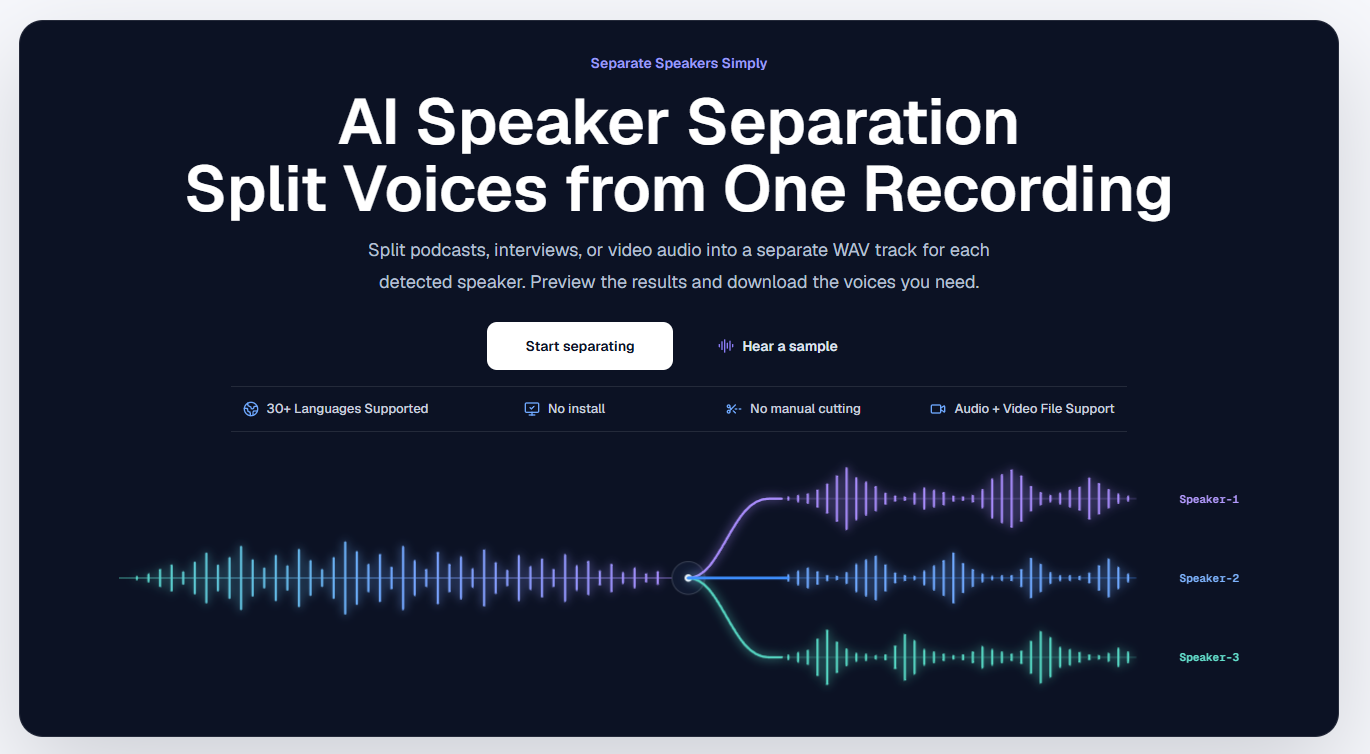
Seply uses AI speaker separation to transform mixed conversations into time-aligned individual WAV tracks for each voice, so podcasters, interviewers, and editors can work faster with cleaner, more controllable audio.
ai stem separationdialogue isolatoraudio editingpodcastingspeech processingmedia productionspeaker separationspeaker split
What to expect from an ideal product
- Seply Speaker Split detects and separates each voice in a recorded conversation into its own WAV file, so you stop manually cutting around crosstalk before you can even start editing.
- If two people talk at the same time in your podcast or interview recording, Seply isolates each speaker without losing the words underneath, giving you clean tracks instead of a blended mess.
- Every separated voice track stays time-aligned to the original recording, so when you bring them into your DAW or editor, sync is already handled and nothing needs to be nudged.
- Editors working with interview recordings can treat each guest like a solo track, apply compression or noise reduction per speaker, and export without the other voices bleeding in.
- Seply works on mixed audio files you already have, meaning you do not need to re-record with separate microphones to get individual speaker control in post.

