This task can be performed using Seply Speaker Split
AI-powered speaker separation tool
Best product for this task

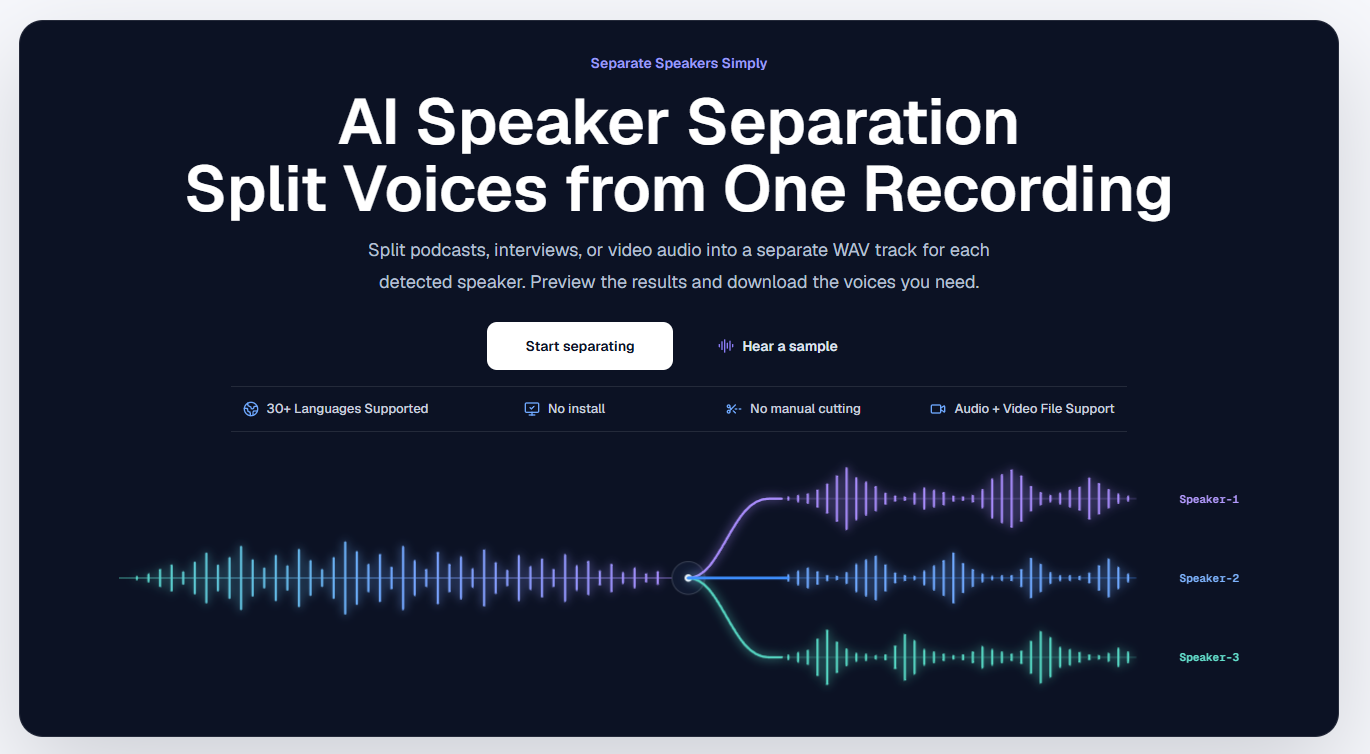
Seply uses AI speaker separation to transform mixed conversations into time-aligned individual WAV tracks for each voice, so podcasters, interviewers, and editors can work faster with cleaner, more controllable audio.
ai stem separationdialogue isolatoraudio editingpodcastingspeech processingmedia productionspeaker separationspeaker split
What to expect from an ideal product
- Seply Speaker Split detects each voice in your interview recording and exports a separate WAV file per speaker, all perfectly synced to the original timeline.
- No more manual track splitting in your DAW: upload your mixed audio file and get individual speaker tracks back in minutes, ready for editing or mixing.
- Every exported WAV stays time-aligned, so when you load multiple speaker files into your editor, they sit in perfect sync without any manual nudging.
- Works for podcast interviews, journalism recordings, UX research sessions, and any multi-speaker audio where clean separation speeds up your post-production.
- Editors who used to spend hours isolating voices with EQ and gates can now run Seply Speaker Split and jump straight into content editing instead.

