This task can be performed using Cleanbox
Email aliases, AI spam filtering, and a full SMTP relay
Protect Your Inbox with Aliases
Create a unique forwarding alias for every store, newsletter, app, and public form. Each alias hides your real address, while email forwarding sends accepted messages to the inbox you already use. Keep a secure record of which service received each alias.
When an alias receives unrelated spam, identify the source, disable that alias, and replace it only for the affected service. Before switching important accounts, confirm that verification codes, receipts, and password resets arrive correctly, then remove any exposed address.
Best product for this task

Cleanbox
productivity
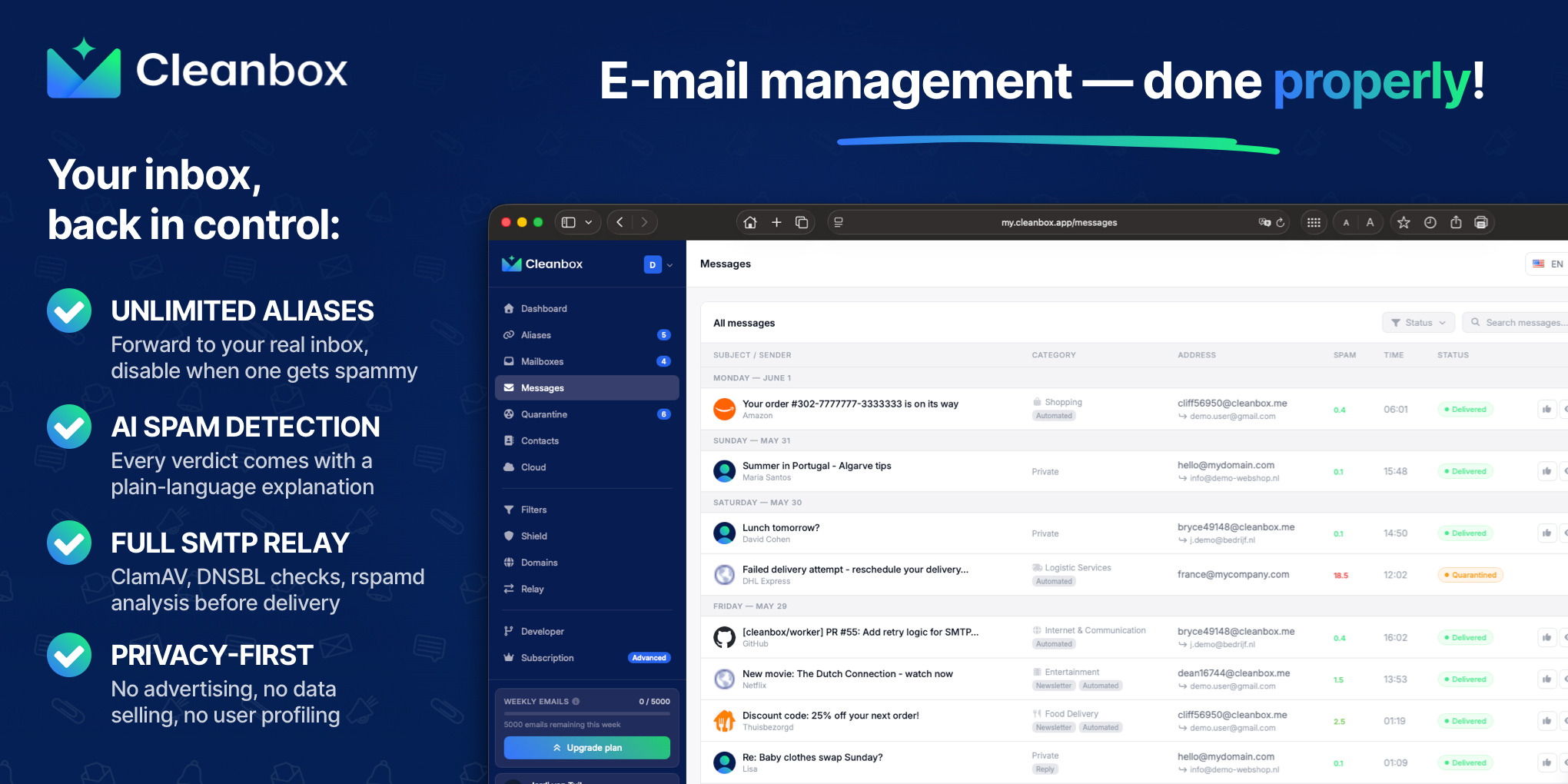
Cleanbox sits between the internet and your inbox. Every incoming email goes through spam scoring, virus scanning, AI classification, and your own rules before delivery. Create unlimited aliases that forward to your real inbox, build custom filters, and use Cleanbox as a complete SMTP relay. Works with Gmail, Outlook, iCloud, Yahoo, or any IMAP provider, no migration needed. Privacy-first: no advertising, no data selling, no user profiling.
What to expect from an ideal product
- Supports unlimited alias creation so you can assign a unique address to every site, service, or contact without managing separate accounts
- Forwards alias mail to your existing inbox without requiring you to migrate away from Gmail, Outlook, iCloud, or any IMAP provider
- Applies spam scoring, virus scanning, and AI classification before delivery, not just keyword filters that senders can bypass
- Includes a full SMTP relay so you can reply from an alias address without exposing your real email in the From header
- Operates without advertising, data selling, or user profiling, which matters when the entire point is protecting your address from third-party exposure
More about alias naming rules
Use a naming system that identifies the recipient without exposing sensitive details. A consistent pattern makes leaked aliases easy to trace and reduces mistakes when you rotate or disable them.
- Use a disposable email alias for one-time downloads or low-trust forms.
- Reserve random aliases for accounts where guessability or correlation matters.
- Never recycle a compromised alias for a different account.
More topics related to Cleanbox
Similar topics
- How to detect phishing, impersonation, spam, and malware before delivery
- How to set up an inbound SMTP relay with MX records and spam scanning
- Private Email Aliases That Forward to Your Existing Inbox
- How to put a spam-filtering security gateway before your inbox
- How to filter spam emails automatically before they reach your inbox

