This task can be performed using Orgchartstudio
Create org charts in minutes, not meetings.
Build a scalable org chart
This use case fits founders, operations leads, HR teams, and department managers when hiring, restructuring, or unclear reporting lines make ownership difficult. An org chart template gives them a shared starting point for mapping roles, managers, teams, and vacancies.
The practical workflow is to gather current employee data, create the hierarchy, review it with team leads, and publish a clean image. A good outcome is easy to scan, accurate enough for decisions, and simple to update as headcount changes.
Best product for this task
Orgchartstudio
productivity
A free org chart maker for managers who value their time. Create organization charts on a visual drag-and-drop canvas, import from CSV, and export clean PNGs. Build up to 10 org charts free - no account required to start. No subscriptions. Just one-time export passes starting at $5 when you need them. Works on desktop and mobile.
What to expect from an ideal product
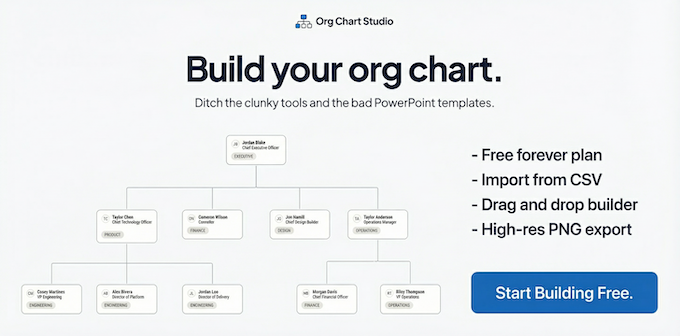
- CSV import for mapping growing teams quickly
- Drag-and-drop editing for reporting changes
- Clean PNG exports for easy sharing
- Desktop and mobile access
- Free creation with low-cost export options
More about keeping charts current
Even a good organization chart maker becomes stale without clear ownership. Treat updates as part of hiring, transfers, promotions, and offboarding rather than a separate cleanup project.
- Assign one owner to approve structural changes and resolve conflicting reports.
- Keep a source CSV with consistent names, titles, departments, and manager fields.
- Review the chart after each staffing change, then export a fresh PNG for sharing.

