This task can be performed using MInimax H3
Create cinematic AI videos from text and media
Best product for this task

MInimax H3
social-tools
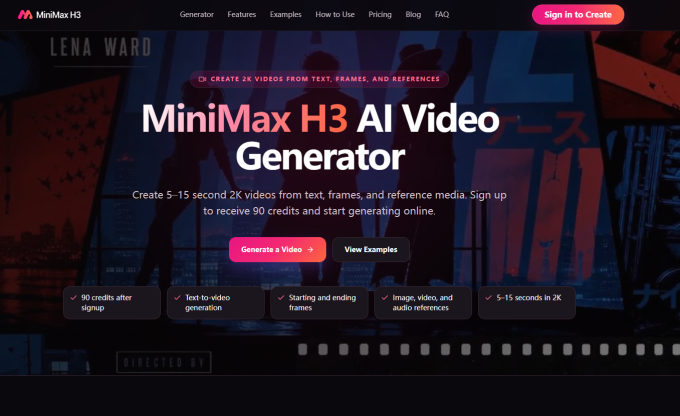
Minimax H3 AI Video Generator helps creators, marketers, designers, and ecommerce teams generate short 2K AI videos from text prompts, images, video clips, audio, and first or last frame references.
AI videotext to videoimage to videovideo generatorcreator toolsmarketing videossocial media contentecommerce videocinematic AI
What to expect from an ideal product
- Minimax H3 accepts images, video clips, and audio as direct inputs so you can build on footage you already have instead of starting from scratch.
- Upload a first or last frame reference to control exactly how your 2K video begins or ends, giving you tighter creative control over the final output.
- Ecommerce teams can drop in a product image and a text prompt to generate short cinematic videos without hiring a production crew.
- Video clip inputs let you extend, restyle, or continue existing footage inside Minimax H3, which cuts editing time compared to traditional workflows.
- Combining a text prompt with an image reference inside Minimax H3 produces consistent 2K results that match your visual direction from the first generation.

