This task can be performed using MInimax H3
Create cinematic AI videos from text and media
Best product for this task

MInimax H3
social-tools
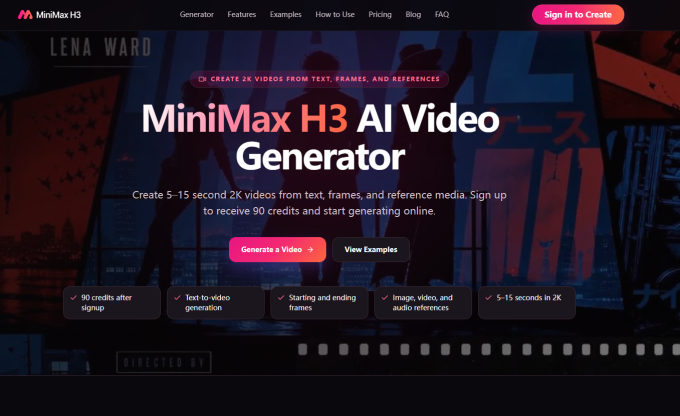
Minimax H3 AI Video Generator helps creators, marketers, designers, and ecommerce teams generate short 2K AI videos from text prompts, images, video clips, audio, and first or last frame references.
AI videotext to videoimage to videovideo generatorcreator toolsmarketing videossocial media contentecommerce videocinematic AI
What to expect from an ideal product
- Minimax H3 lets you set a specific first frame or last frame image so your video starts and ends exactly where you need it to, no random cuts or guesswork.
- Upload a still image as your anchor frame and Minimax H3 builds the motion around it, giving you frame-level control that most AI video tools skip entirely.
- For ecommerce and marketing teams, locking the start and end frames means your product stays on screen at the right moment without extra editing in post.
- Minimax H3 generates 2K resolution clips from that frame reference, so the output is clean enough to use directly in ads, reels, or product pages.
- If your video needs to loop or transition into another scene, defining both the first and last frame in Minimax H3 keeps the sequence consistent across multiple clips.

