This task can be performed using Cleanbox
Email aliases, AI spam filtering, and a full SMTP relay
Classify email before delivery
Keep your current address and provider. Route incoming mail through a classification layer that evaluates spam, malware, sender, and message content before forwarding each message to your real inbox. This improves inbox management without copying old mail or changing your email app.
Connect your receiving addresses or aliases, define useful classes such as urgent, receipts, newsletters, and low priority, then map each class to delivery rules. Initially, keep all messages delivered while you review results. Only then divert or reject consistently unwanted categories.
Best product for this task

Cleanbox
productivity
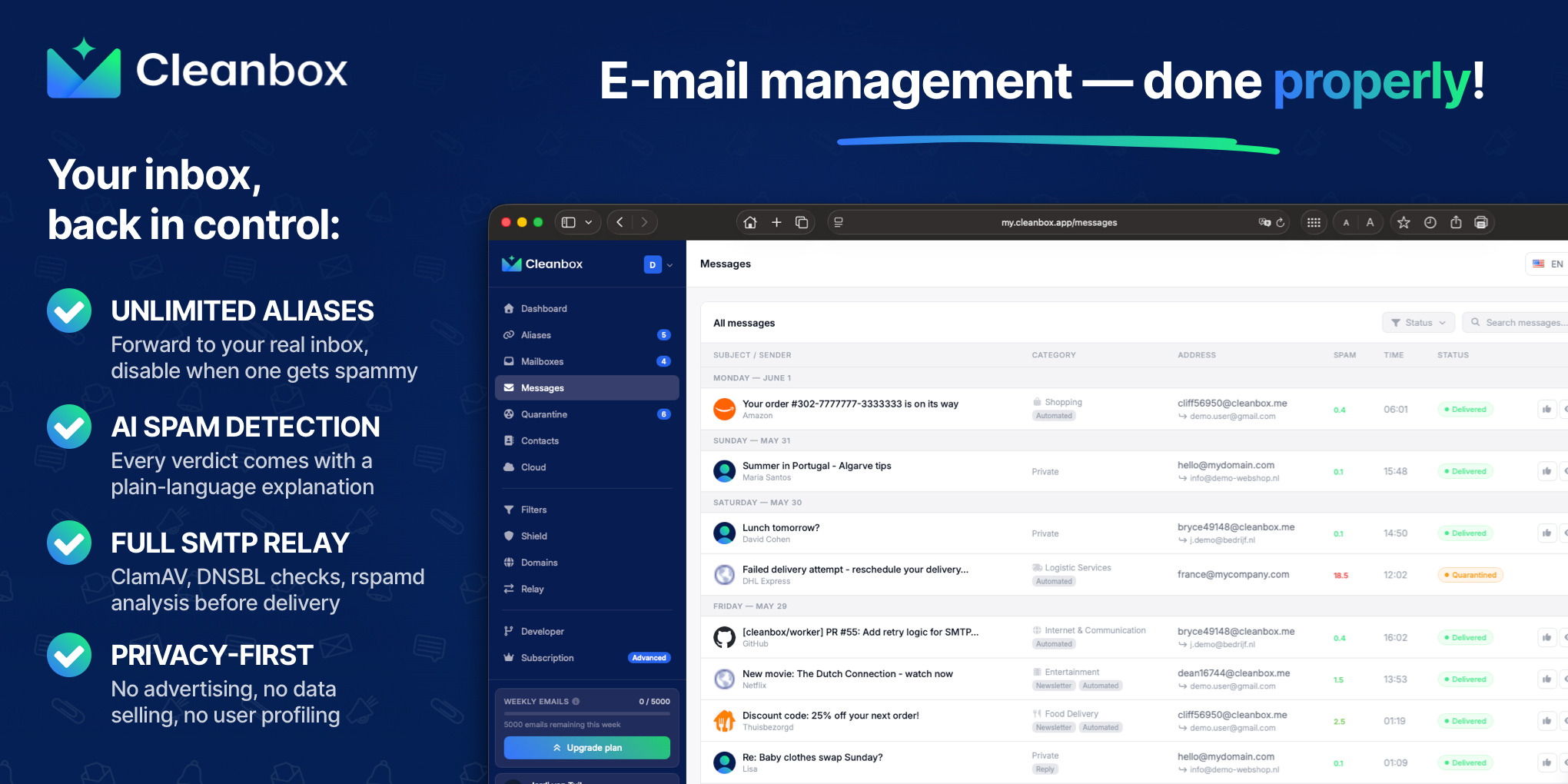
Cleanbox sits between the internet and your inbox. Every incoming email goes through spam scoring, virus scanning, AI classification, and your own rules before delivery. Create unlimited aliases that forward to your real inbox, build custom filters, and use Cleanbox as a complete SMTP relay. Works with Gmail, Outlook, iCloud, Yahoo, or any IMAP provider, no migration needed. Privacy-first: no advertising, no data selling, no user profiling.
What to expect from an ideal product
- Works with any IMAP provider so you can classify and filter without changing your existing email address or provider
- AI classification runs before delivery, meaning your inbox receives only pre-sorted, scored messages rather than requiring client-side rules
- Supports unlimited aliases so you can assign distinct inbound paths per sender category, project, or privacy tier
- Includes spam scoring and virus scanning in the same pipeline, eliminating the need for separate filtering layers
- No data profiling or advertising model, which matters when the service reads every message to classify it
More about classification testing
Treat AI classification as a routing signal, not an immediate deletion rule. A short test period protects legitimate mail while you tune spam filtering and category boundaries.
- Send test messages from personal, work, and automated accounts to each alias.
- Keep uncertain and high-value categories delivered until classifications are dependable.
- Add explicit rules for trusted senders and recurring edge cases.
More topics related to Cleanbox
Similar topics
- How to detect phishing, impersonation, spam, and malware before delivery
- How to set up an inbound SMTP relay with MX records and spam scanning
- Private Email Aliases That Forward to Your Existing Inbox
- How to put a spam-filtering security gateway before your inbox
- How to filter spam emails automatically before they reach your inbox

