This task can be performed using ScholarSail
All-in-one study workspace
Best product for this task

ScholarSail
edtech
Collaborative and AI integrated study workspace with flashcards, mind maps, 3d memory palaces, and more.
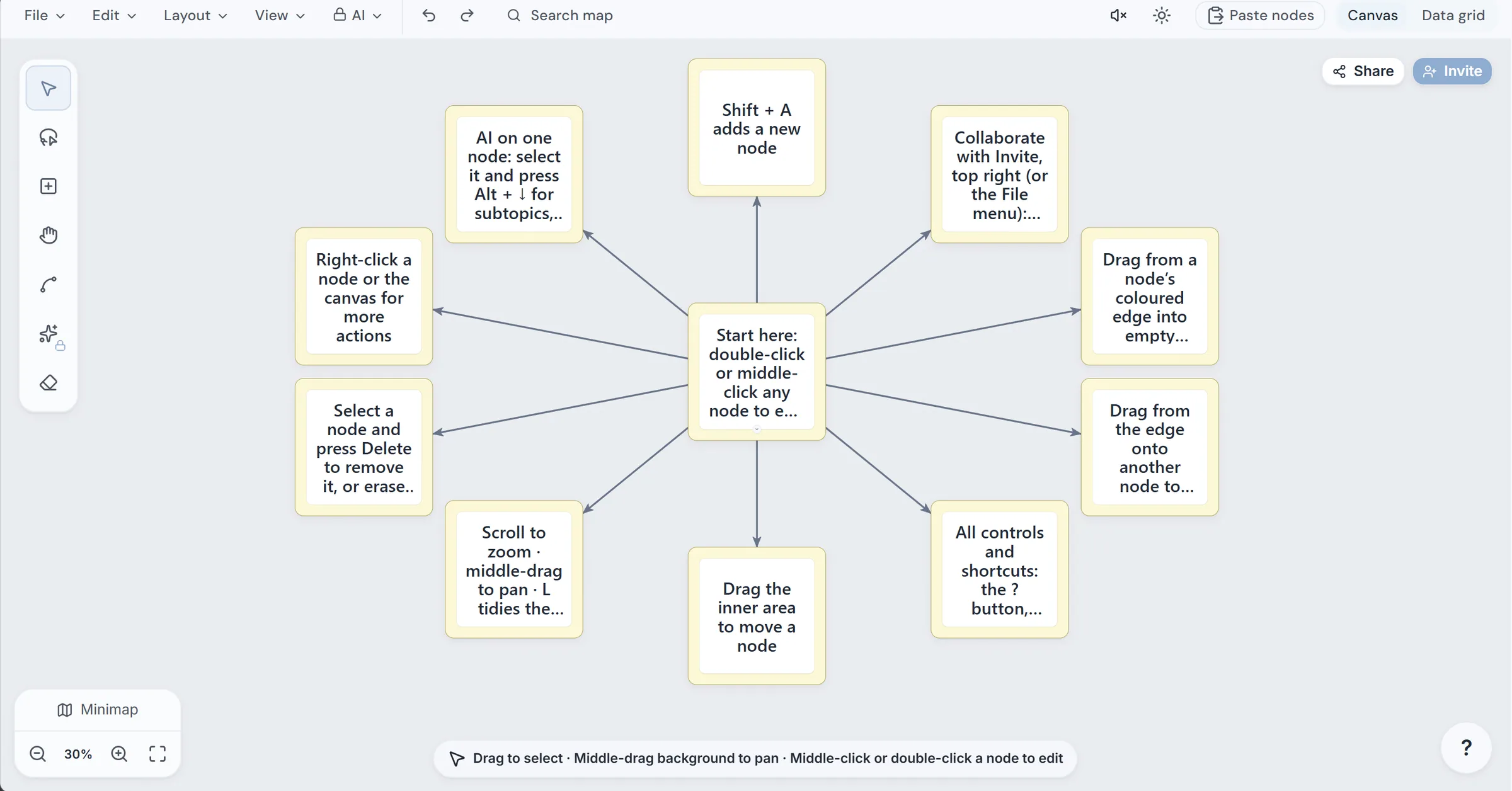
If your lecture notes, PDFs, Word files, or Markdown documents are scattered across folders, you can turn them into one connected study set. This workflow extracts the text, creates AI flashcards, converts a deck into a quiz, and builds a mind map for overview. Always verify the generated material before using it for revision.
Prepare your source document
Start with one focused file or set of lecture notes. Remove unrelated pages, duplicate headings, and blank content. Clear source material helps an AI study app that turns notes into flashcards produce more relevant cards. The deciding factor among edtech products is whether they support this exact workflow.
Useful inputs include:
- Lecture notes copied into a text file
- A readable PDF
- A Word document
- Markdown notes
- Plain text summaries
Before uploading, check that key definitions, formulas, dates, and examples are present. If the document is incomplete, the generated deck will be incomplete too.
Generate flashcards from your notes
Use a workspace such as ScholarSail to upload or paste your material. Uploaded PDFs, Word files, Markdown, and text files are parsed in the browser, with extracted text stored rather than the original file.
Follow these steps:
- Create a collection for the course or exam.
- Add your document or paste your lecture notes.
- Ask the AI to create cards covering definitions, relationships, processes, and applications.
- Review the first few cards before generating a large deck.
- Edit vague prompts and split cards that contain multiple answers.
- Add cloze cards for important sentences or image-occlusion cards for diagrams.
This supports workflows such as turning a PDF into flashcards with AI, generating flashcards from a Word document, or generating flashcards from Markdown. For more examples of tools in this category, see flashcard products.
A useful card is specific:
- Question: What is the role of mitochondria in cellular respiration?
- Answer: They produce most of the cell’s ATP through oxidative phosphorylation.
Avoid cards that ask for an entire page or chapter.
Turn the deck into a quiz and mind map
Once the cards are edited, use the deck as the basis for an AI quiz. Choose a mixture of recall and application questions, then answer without looking at the cards. This creates a practical study notes to flashcards and quiz workflow.
Next, generate a mind map from the same document or notes. A map can show the main topic, branches, subtopics, and links between ideas. ScholarSail can generate a map from a topic or document, then expand a node with related ideas or subtopics. This is useful when you want an AI mind map generator from notes, or when you need to turn lecture notes into mind maps and flashcards.
Use the map to identify gaps:
- Find branches with no examples.
- Check whether similar concepts are connected.
- Compare the map with the source document.
- Add missing terms to the flashcard deck.
Mind maps can support mind maps products, while broader study planning may fit learning products.
Verify before you revise
AI generation is a draft, not a final authority. Check every card, quiz answer, and map branch against the original material.
- Confirm names, dates, formulas, and definitions.
- Remove unsupported details.
- Check that reversed cards still make sense.
- Make sure quiz answers match the source.
- Test whether the mind map preserves important relationships.
- Mark uncertain items for manual review.
A common mistake is accepting fluent wording as accurate. Another is creating too many cards, which makes review harder. Keep cards focused, retain the source document for comparison, and use spaced repetition only after the content is correct. In ScholarSail, flashcard sessions use an SM-2 schedule, so verified cards can become part of a repeatable revision routine.
More topics related to ScholarSail
Similar topics
- How to Choose a Flashcard App with Spaced Repetition and Better Study Workflows
- How to Build a Mind Map, Expand It with AI, and Turn It into Flashcards
- How to Create 3D Memory Palaces From Study Notes?
- Best AI Study Workspace for Collaborative Exam Preparation
- How to Build a Collaborative Study Workspace With AI Flashcards?

