This task can be performed using ScholarSail
All-in-one study workspace
Build a 3D Memory Palace
Start with organized study notes and a familiar route, such as your home. Break the material into small ideas, choose one distinct location for each idea, then place a vivid mental image at every stop in the memory palace.
Arrange locations in a fixed order, add short labels or prompts, and walk through the scene from start to finish. Test recall without viewing your notes, then strengthen weak locations by making their images larger, stranger, or more interactive.
Best product for this task

ScholarSail
edtech
Collaborative and AI integrated study workspace with flashcards, mind maps, 3d memory palaces, and more.
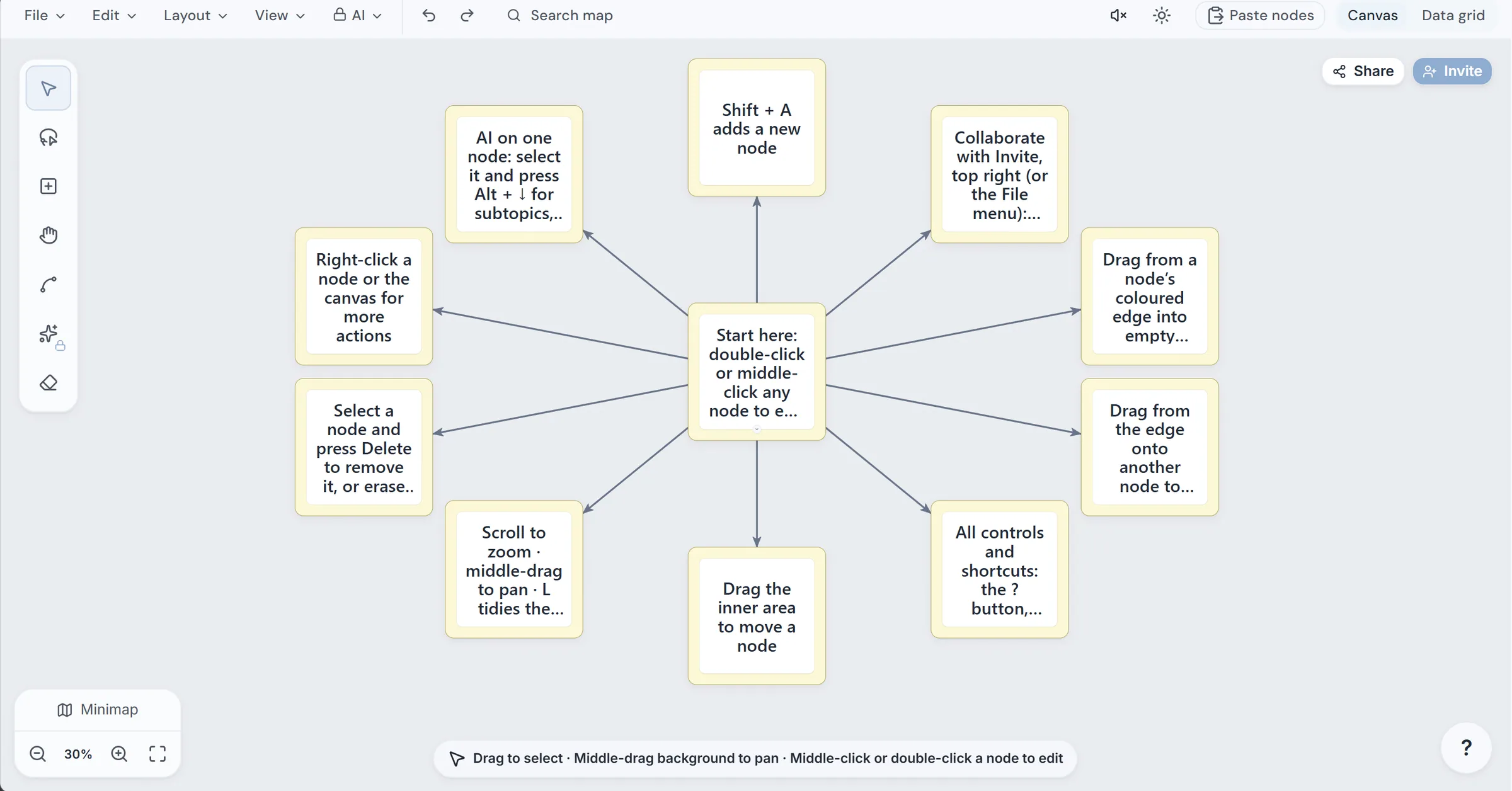
What to expect from an ideal product
- Fast conversion of notes into spatial scenes
- Simple placement and editing of 3D objects
- Reliable navigation through a fixed recall route
- Support for prompts, labels, and self-testing
- Connections between palaces, mind maps, and flashcards
More about Recall Checkpoints
Treat the 3D scene as a retrieval tool, not decoration. Pair each location with a question, and use flashcards only for facts that remain difficult.
- After building five to seven locations, close the notes and recall them in order.
- If two ideas get confused, separate them spatially or replace one image.
- Review after a short delay, then lengthen the interval only when recall is accurate.
More topics related to ScholarSail
Similar topics
- How to Choose a Flashcard App with Spaced Repetition and Better Study Workflows
- How to Build a Mind Map, Expand It with AI, and Turn It into Flashcards
- Best AI Study Workspace for Collaborative Exam Preparation
- How to Build a Collaborative Study Workspace With AI Flashcards?
- Study Workflow Template for Turning Mind Maps Into Flashcards

