This task can be performed using ScholarSail
All-in-one study workspace
Best product for this task

ScholarSail
edtech
Collaborative and AI integrated study workspace with flashcards, mind maps, 3d memory palaces, and more.
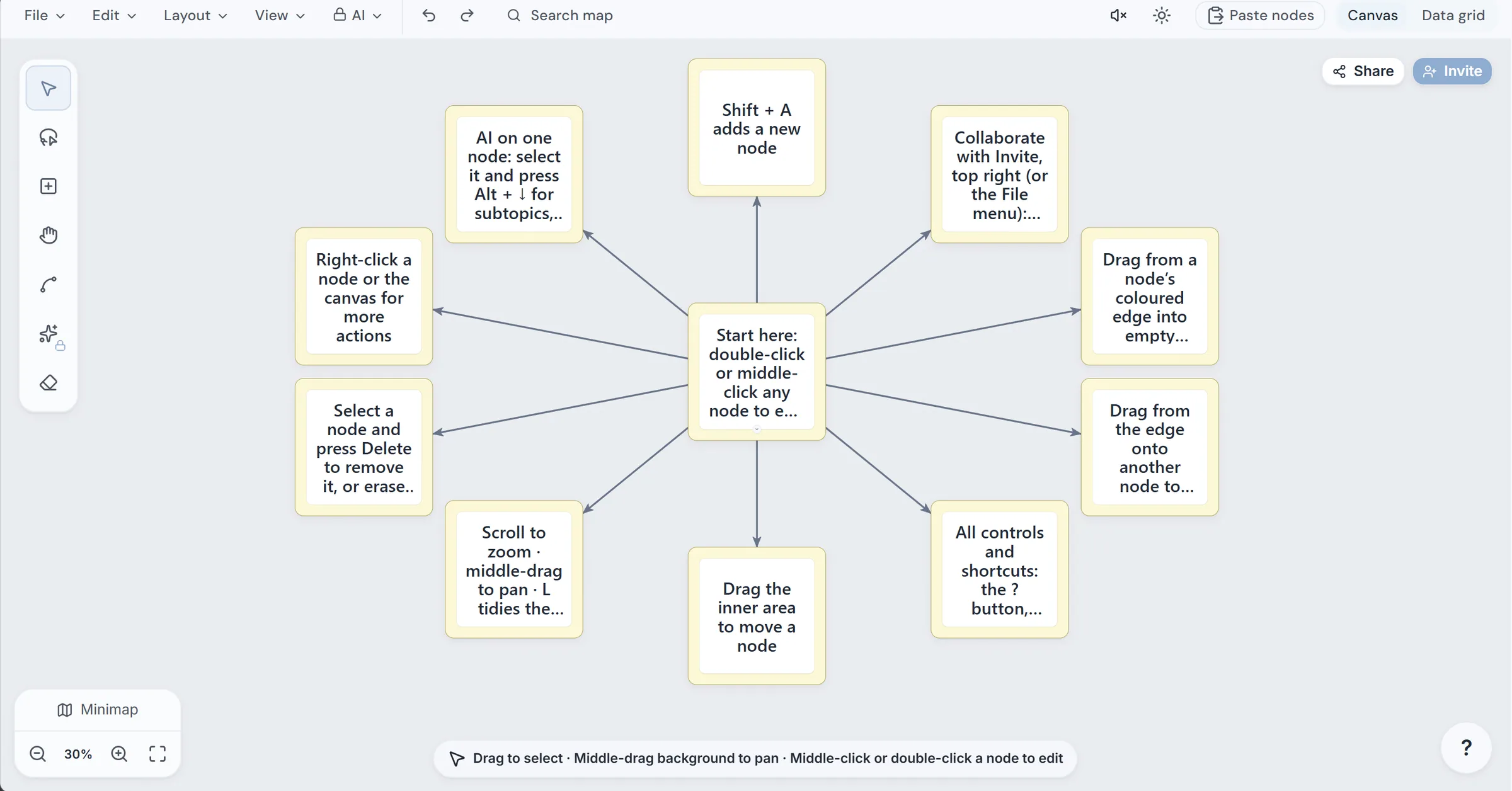
If you are leaving Anki, RemNote, Obsidian, or disconnected note and flashcard tools, compare the workflow before choosing an app. Test importing, AI card creation, SM-2 scheduling, relearning, visual cards, session recovery, printing, and study games. This checklist helps you select an advanced flashcard app that fits how you actually study.
1. Test your existing deck before rebuilding it
Start with a small copy of your current deck. You should be able to import Anki cards into a study app without manually recreating every card.
Check whether the app accepts:
- Anki text exports or CSV files
- Markdown, Word, or plain-text notes
- Cloze formatting and tags
- Images and answer fields
- Deck folders or categories
Import 20 to 50 cards first. Confirm that front and back fields appear correctly, cloze blanks remain usable, and special characters have not changed.
If you are comparing a notion alternative with spaced repetition, also test how notes become cards. A strong workflow lets you keep source material near the deck instead of copying content between separate tools.
2. Compare scheduling, learning, and relearning controls
Next, answer cards using a short test session. Look for a flashcard app with SM-2 spaced repetition and inspect what happens after incorrect answers.
Your checklist should include:
- SM-2 scheduling or another clearly explained scheduling method
- Separate learning and relearning steps
- Adjustable intervals
- A visible due-card queue
- Ratings that affect the next review
- A way to pause and resume without losing progress
A flashcard app that resumes interrupted study sessions is especially useful when you study between classes or during short breaks. Confirm that the app saves each run and waits for your answer before loading the next card. This prevents a phone call or closed browser tab from forcing you to restart.
3. Test advanced card formats and generation
Use one paragraph of notes to compare manual creation with an Anki alternative with AI flashcard generation. Review the generated cards for clarity, duplicates, and answers that are too broad. AI should reduce drafting time, not remove your review.
Then test the formats you need:
- Cloze flashcards from notes: check whether one blank can become one card or several cards.
- Image occlusion flashcards online: mask a labeled region of a diagram and verify that the hidden area is tested.
- A flashcard app with image occlusion: confirm that the image remains readable on smaller screens.
- AI quizzes generated from an existing deck.
Students who want an Obsidian alternative for students with flashcards should check whether notes, maps, and cards stay connected. ScholarSail, for example, links notes with flashcards and mind maps in one workspace, while keeping each tool usable on its own.
4. Check visual, physical, and collaborative options
If memory palaces help you, test an Anki alternative with memory palace features. A walkable 3D route can provide another way to review, but verify that ratings still update the same spaced-repetition schedule.
Also check whether the app supports:
- Printable flashcards from a digital deck
- Double-sided layouts
- Flashcard study games online
- Shared decks or workspace collaboration
- Mind-map links and AI-generated subtopics
This is where a remnote alternative with mind maps may be more useful than a card-only tool. A connected workspace can reduce the need for a study app alternative to separate notes and flashcard apps, particularly when exam material begins as documents or maps.
Final decision checklist
Before switching, complete one real study cycle:
- Import a sample Anki deck
- Generate and edit cards from notes
- Test learning and relearning steps
- Review a cloze card and image-occlusion card
- Interrupt and resume a session
- Print cards or try a study game
- Confirm whether visual tools improve a workflow.
More topics related to ScholarSail
Similar topics
- How to Build a Mind Map, Expand It with AI, and Turn It into Flashcards
- How to Create 3D Memory Palaces From Study Notes?
- Best AI Study Workspace for Collaborative Exam Preparation
- How to Build a Collaborative Study Workspace With AI Flashcards?
- Study Workflow Template for Turning Mind Maps Into Flashcards

