This task can be performed using ScholarSail
All-in-one study workspace
Set Up the Shared Workspace
Start by agreeing on one exam goal, a source list, and naming rules for topics and decks. Build an active recall workflow: capture notes, turn key ideas into questions, and assign each topic to one owner for review.
Create one shared study workspace for notes, mind maps, flashcards, and memory cues. Set drafting and checking deadlines, then schedule individual reviews and a weekly group session to resolve conflicts, merge duplicates, and update weak material.
Best product for this task

ScholarSail
edtech
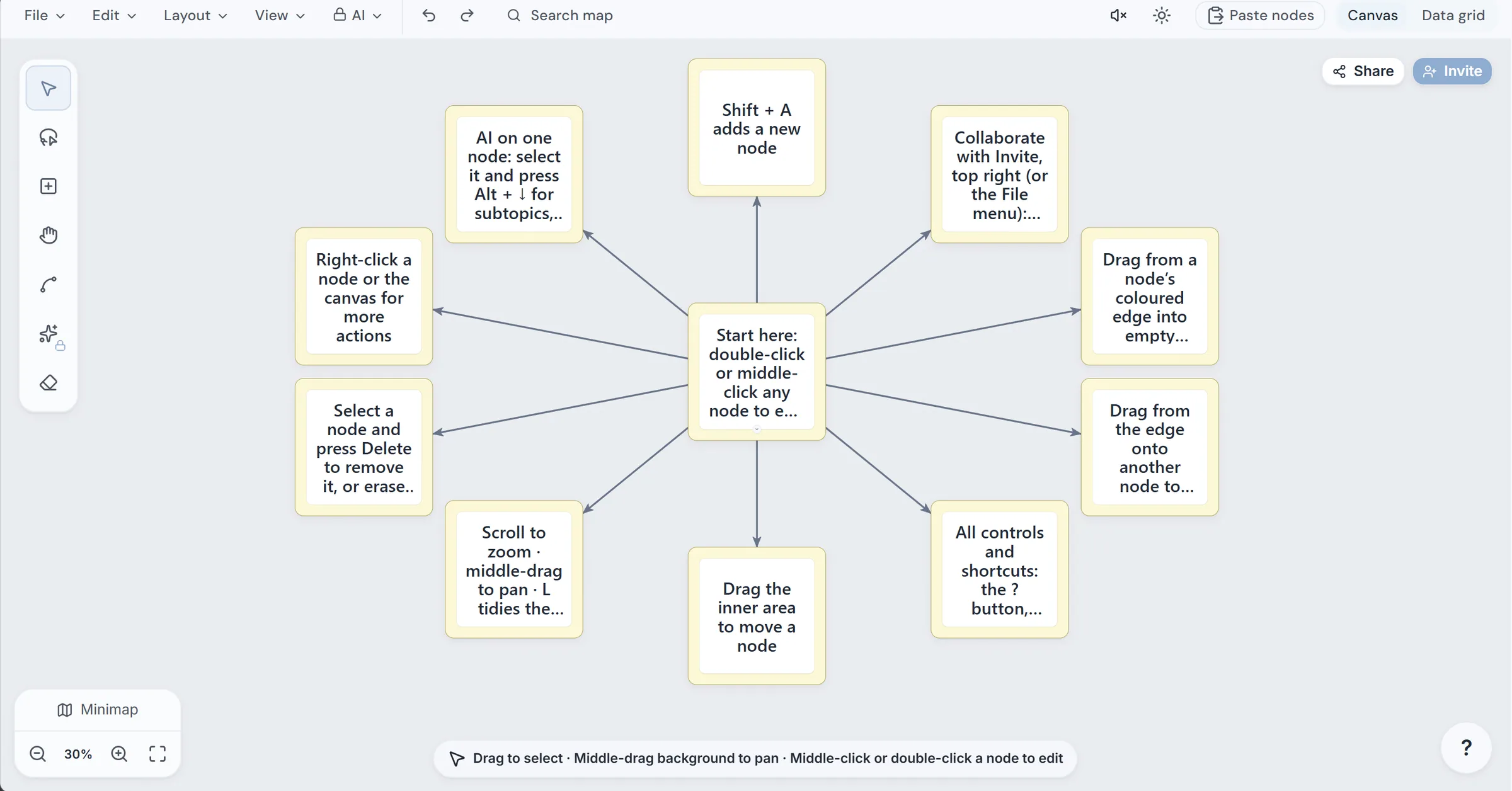
Collaborative and AI integrated study workspace with flashcards, mind maps, 3d memory palaces, and more.
What to expect from an ideal product
- Collaborative workspace for group study
- AI-assisted flashcard creation
- Connected notes, mind maps, and decks
- Pomodoro support for focused sessions
- D memory palaces for spatial review
More about card quality checks
Before the group studies a deck, run a quick quality check. This prevents confident but incorrect cards from spreading and keeps each prompt focused on one testable idea.
- Compare AI generated flashcards with the original notes before approval.
- Split cards that ask about more than one fact or concept.
- Archive duplicates and rewrite vague prompts before assigning reviews.
More topics related to ScholarSail
Similar topics
- How to Choose a Flashcard App with Spaced Repetition and Better Study Workflows
- How to Build a Mind Map, Expand It with AI, and Turn It into Flashcards
- How to Create 3D Memory Palaces From Study Notes?
- Best AI Study Workspace for Collaborative Exam Preparation
- Study Workflow Template for Turning Mind Maps Into Flashcards

