This task can be performed using ScholarSail
All-in-one study workspace
Best product for this task

ScholarSail
edtech
Collaborative and AI integrated study workspace with flashcards, mind maps, 3d memory palaces, and more.
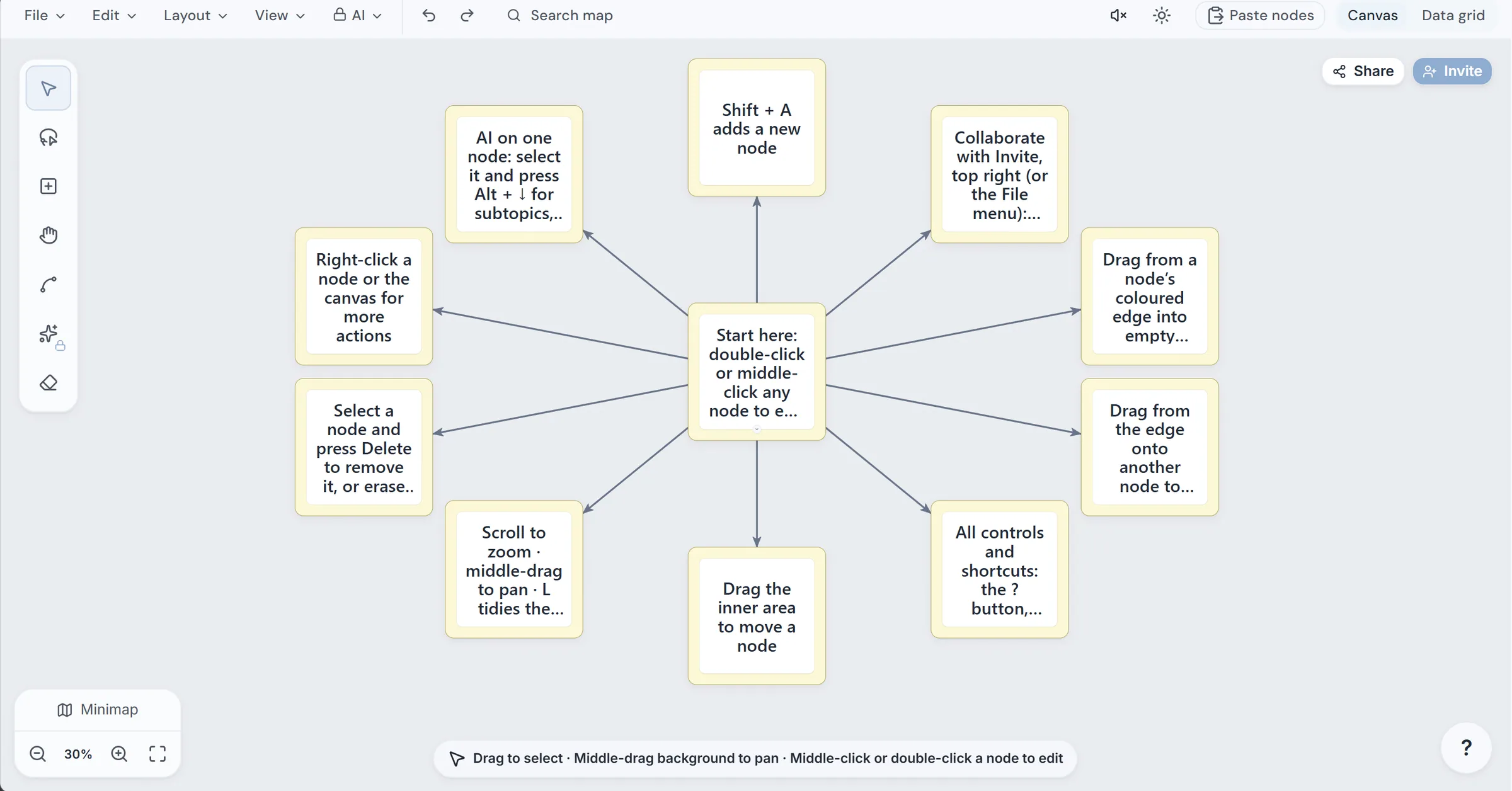
If your notes feel scattered, create a mind map on an infinite canvas, organize it automatically, expand important nodes with AI, and convert the finished structure into study cards. This guide uses ScholarSail to show a practical mind map and flashcard workflow, including collaboration, sharing, and data-grid checks.
Before you begin
Prepare:
- A topic, lecture, or document to organize
- Three to five major ideas you already know
- A clear study goal, such as preparing for an exam
- An account only if you want to save or collaborate on the draft
A visual structure is useful because retrieval practice strengthens learning, but the map still needs accurate content and meaningful questions.
The deciding factor among edtech products is whether they support this exact workflow.
1. Create and arrange the map
- Open ScholarSail’s mind map maker and create a new map.
- Put the main topic in the center. For example, use “Cellular respiration.”
- Add first-level branches such as glycolysis, Krebs cycle, electron transport chain, and regulation.
- Add short child nodes for definitions, inputs, outputs, and relationships.
Because the workspace uses an infinite canvas, you can keep expanding without running out of room. When the map becomes crowded, apply automatic layout. Use a tree layout when you want a clear hierarchy. Use a force-directed layout when you want related ideas distributed more naturally.
Switch to the mind map data grid view to inspect the same information as rows. This makes it easier to spot blank labels, duplicated nodes, or branches that lack supporting details. If you are choosing tools for a broader study setup, the education products category can help frame that decision.
Use this quick check:
- Does every major branch support the central topic?
- Are node labels short enough to scan?
- Does each branch contain at least one specific example?
2. Expand useful nodes with AI
Select a node that needs depth, then ask AI for one focused action:
- “Add three subtopics about glycolysis.”
- “Give a related example.”
- “What broader idea contains this node?”
- “Connect this concept to ATP production.”
Review every suggestion before keeping it. AI generation can provide useful starting points, but it may add irrelevant or inaccurate details. Delete anything that does not support your study goal, then rename or recolor nodes for faster scanning.
You can also use the sidebar assistant to rearrange, connect, or rename nodes. If your source is a document, generate a starting map from the document, then verify it against the original before studying.
3. Collaborate and share the map
Invite a classmate or teammate to review the structure. Ask them to identify one missing relationship and one unclear label. ScholarSail supports a collaborative mind map with link sharing, so reviewers can open the map through a shared link.
For a quick handoff in a classroom or meeting, use the mind map app’s QR code sharing option. Scan the code from another device, review the map, and copy it into another account if you need an independent version.
For more connected learning ideas, see this guide to learning products when your workflow includes notes, planning, or review alongside the map.
4. Turn the map into flashcards
To learn how to turn a mind map into flashcards, convert each important relationship into a question and answer.
Examples:
- Front: What is the main purpose of glycolysis? Back: To split glucose and produce pyruvate, ATP, and NADH.
- Front: How does the Krebs cycle connect to the electron transport chain? Back: It produces carriers that deliver high-energy electrons to the chain.
- Front: What regulates this pathway? Back: Add the verified regulatory factors from your notes.
More topics related to ScholarSail
Similar topics
- How to Choose a Flashcard App with Spaced Repetition and Better Study Workflows
- How to Create 3D Memory Palaces From Study Notes?
- Best AI Study Workspace for Collaborative Exam Preparation
- How to Build a Collaborative Study Workspace With AI Flashcards?
- Study Workflow Template for Turning Mind Maps Into Flashcards

