This task can be performed using ScholarSail
All-in-one study workspace
Best product for this task

ScholarSail
edtech
Collaborative and AI integrated study workspace with flashcards, mind maps, 3d memory palaces, and more.
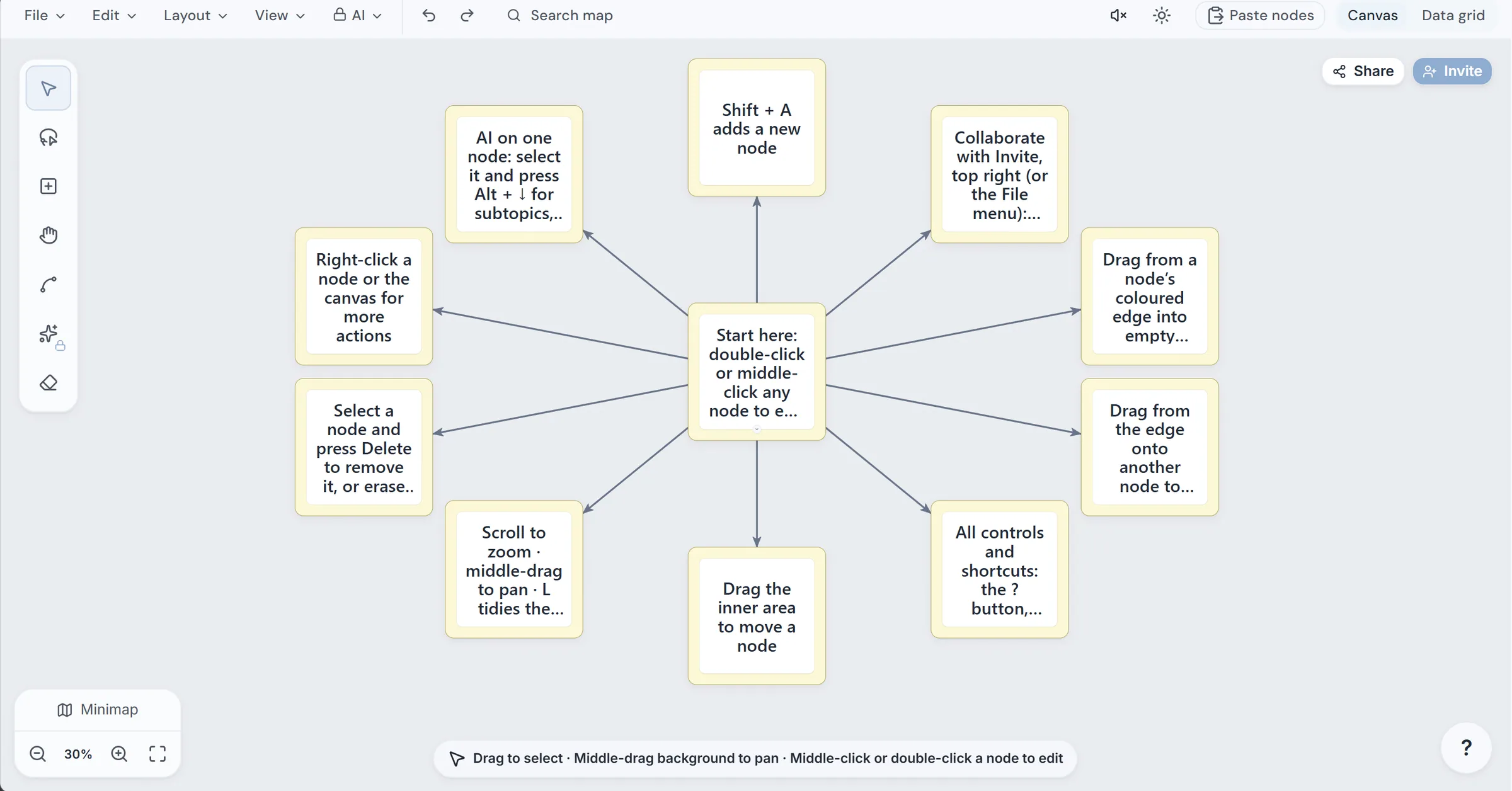
If your notes, flashcards, mind maps, tasks, and group work live in separate apps, compare them with this workflow checklist. You will map your current study process, test how well the tools connect, and decide whether an all in one study workspace is better than maintaining several disconnected tools.
1. Map your real study workflow first
Before comparing features, write down how one topic moves from learning to review. The deciding factor among edtech products is whether they support this exact workflow.
For example:
- Import a lecture PDF or create notes.
- Organize the topic with a mind map.
- Turn important facts into flashcards.
- Schedule review sessions.
- Add assignments and deadlines to a task board.
- Study with classmates or share selected materials.
This sequence helps you distinguish a genuinely connected workspace from a folder of unrelated tools. A useful learning product should reduce repeated copying, not simply offer many features.
Check these prerequisites:
- Can you keep notes, maps, cards, and tasks in one study area?
- Can one item link to another?
- Can you export or import your existing material?
- Can collaborators access the right workspace without seeing everything?
If most answers are no, separate specialist apps may still be the better choice.
2. Compare connection quality, not feature count
A study app that combines notes, flashcards, and mind maps should support the transitions you actually use.
Test one small topic and look for these connections:
- Notes to cards: Can notes generate cards, or must you copy content manually?
- Notes to maps: Can a document become a visual outline?
- Maps to ideas: Can you expand a node, rename it, or connect related concepts quickly?
- Cards to review: Does the system schedule learning and relearning?
- Tasks to study: Can assignments and review sessions sit beside course materials?
For example, an AI integrated study workspace can be useful when it creates a first draft of cards or a map from your material. However, inspect and edit every generated item. AI should accelerate preparation, not replace checking definitions, omissions, or misleading prompts.
ScholarSail connects notes, maps, flashcards, projects, and task boards in one account. Its maps can use automatic layouts and AI generation, while flashcards support spaced repetition, imports, cloze cards, and image occlusion. These are practical tests for any flashcards product, not just a reason to choose one.
3. Test collaboration and focus controls
A collaborative study workspace needs more than sharing a link. Ask:
- Can people work in a shared workspace or project?
- Can you share a map without exposing private notes?
- Can another student copy a shared resource?
- Are unfinished tasks and dependencies visible?
- Can each person resume a study session?
Then test the focus layer. A useful workspace may include a Pomodoro timer, session logs, scheduling views, or ambient audio. These features matter when planning and execution are part of the same workflow. If focused intervals are central to your routine, compare Pomodoro products separately rather than assuming every timer works alike.
4. Use the decision checklist before switching
Run a short trial with one current subject. Mark each item:
- I can import or create notes without changing my process.
- I can build a map and cards from the same source.
- Review scheduling fits my exam timeline.
- Tasks show dependencies and deadlines clearly.
- AI tools save time without reducing accuracy.
- Collaboration permissions are understandable.
- My existing files can be imported or exported.
- The free plan is enough to test the workflow.
Also check cost boundaries. ScholarSail offers the same features on Free and Premium, with different AI credit allowances. You can try its public deck builder, map maker, and timer without an account, then decide whether the connected workflow is worth adopting. Start with ScholarSail and verify one complete study cycle before moving everything.
More topics related to ScholarSail
Similar topics
- How to Choose a Flashcard App with Spaced Repetition and Better Study Workflows
- How to Build a Mind Map, Expand It with AI, and Turn It into Flashcards
- How to Create 3D Memory Palaces From Study Notes?
- Best AI Study Workspace for Collaborative Exam Preparation
- How to Build a Collaborative Study Workspace With AI Flashcards?

