This task can be performed using Free Image Translate
Free AI Image Translate Online - Translate Text in Photos Instantly
Best product for this task

Free Image Translate
productivity
ImageTranslator is an AI-powered image translate tool that translates text within images. It was developed to facilitate seamless multilingual translation and is well-suited for travelers reading foreign signs, students studying multilingual documents, or businesses localizing their visuals.
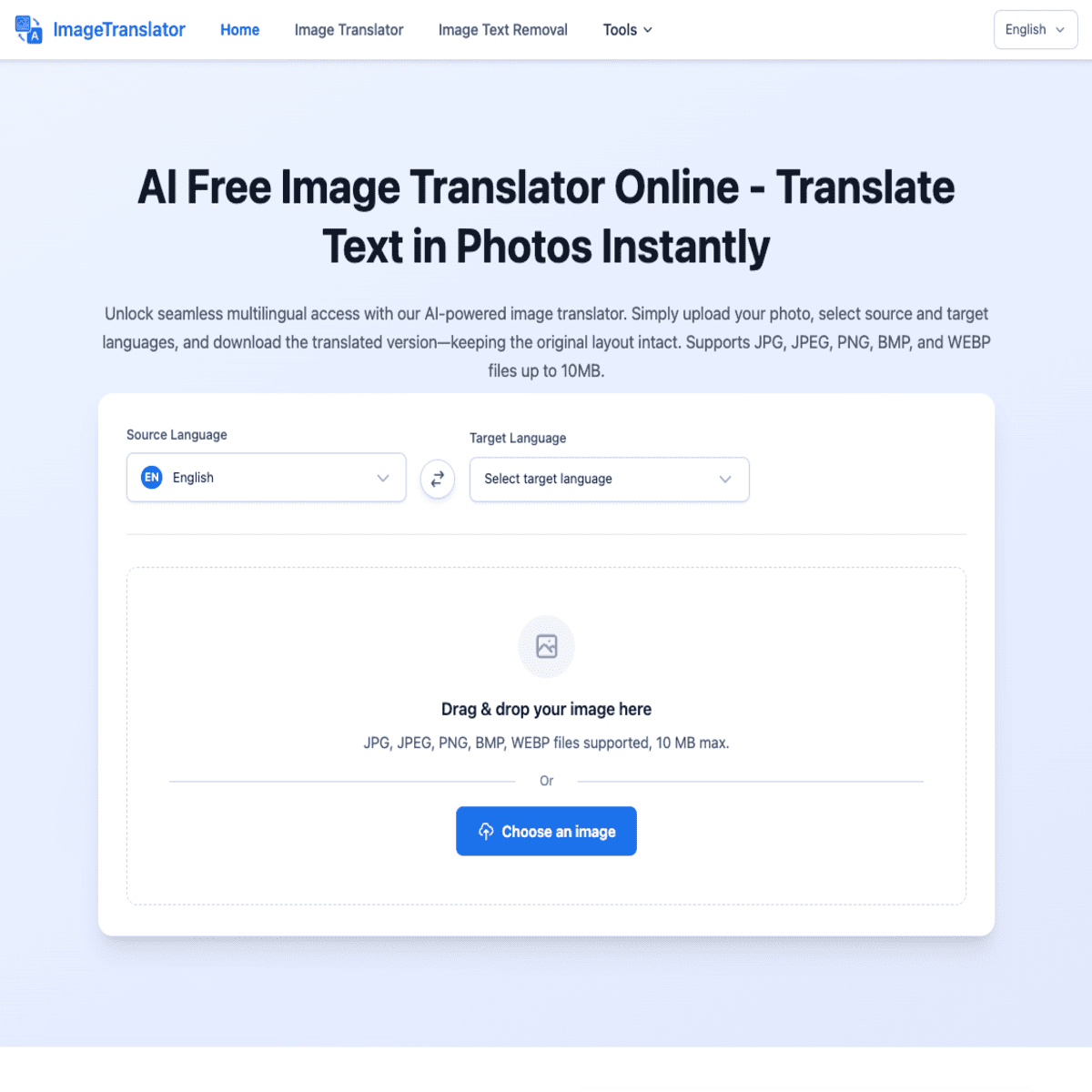
Need to read a foreign menu, sign, document, or screenshot? A free image translator online lets you upload the image, choose the source and target languages, and extract translated text without typing it manually. This guide shows how to translate text in photos instantly in a browser using Free Image Translate.
What you need before you start
Prepare the image you want to translate:
- A clear JPG, PNG, or screenshot
- Text that is visible and not heavily blurred
- An internet connection and a browser
- The original language, if you know it
Bright, sharp images usually make text recognition easier. If the image contains several languages, identify the specific text you need before uploading it.
Image translation combines text recognition with machine translation, a process commonly used for multilingual visual content【. For related capabilities, see these multi-language OCR and visual translation products.
How to translate an image online for free
Follow these steps to use an online photo translator.
-
Open Free Image Translate. Go to Free Image Translate in your browser. You can use it to translate text within images for travel, study, or business visuals.
-
Upload your image. Select the photo, scan, screenshot, or other image from your device. Choose the clearest available version rather than a compressed copy.
-
Select the source language. Choose the language currently shown in the image. If you are unsure, use an automatic detection option when available, then review the result carefully.
-
Choose the target language. Select the language you want to read. For example, choose English for a French restaurant menu or Spanish for an English product label.
-
Start the translation. Submit the image for processing. The AI image translator identifies visible words and converts them into the selected language.
-
Review and extract the result. Read the translated text, copy it, or save it where needed. Compare unusual names, addresses, numbers, and measurements with the original image.
This workflow helps you translate text in an image online free without retyping every line. It can also support text recognition and visual translation workflows when you regularly work with screenshots or scanned materials.
Check the translation before using it
A translated image is useful, but you should verify details that can change meaning:
- Proper names and street addresses
- Dates, prices, and currency symbols
- Product sizes and quantities
- Negations, warnings, and instructions
- Small text near logos or decorative backgrounds
For example, if you translate a medication label or a business contract, compare the extracted wording with the original and seek qualified help when accuracy has serious consequences. Image quality, unusual fonts, and overlapping graphics can affect recognition.
If you need a broader productivity workflow for handling translated content, the productivity products category may help you choose a suitable next step.
Common mistakes and quick fixes
The tool misses words: Crop the image to the relevant section and upload a sharper version.
The output is incomplete: Check whether text is cut off, rotated, handwritten, or hidden by glare. Retake the photo in better lighting.
The language is incorrect: Select the source language manually instead of relying on detection.
The translation sounds strange: Review short phrases in context, especially idioms, menus, and technical terms. Translating individual words can lose their intended meaning.
Once the translated text matches the important details in the image, your task is complete. Open Free Image Translate, upload the image, select both languages, and check the extracted result before using it.
More topics related to Free Image Translate
Similar topics
- Free Image Translator Alternatives for Translating Screenshots Online
- How to translate text in images without losing formatting?
- How to translate foreign signs from phone photos for free online?
- How to fix inaccurate AI translations in scanned images?
- Translate Scanned Documents Online with an AI Image Translator

