This task can be performed using Free Image Translate
Free AI Image Translate Online - Translate Text in Photos Instantly
Translate Images and Keep Layout
Use a sharp, straight image with readable text. In a typical image translation workflow, upload the file, confirm the source and target languages, then let the tool detect and replace the words while retaining their original positions.
Preview before downloading. Check that every text block was detected, translated in context, and fitted back into its label, sign, or caption. Complex backgrounds, decorative fonts, curved text, and low-resolution photos may require cropping, a clearer source, or manual correction.
Best product for this task

Free Image Translate
productivity
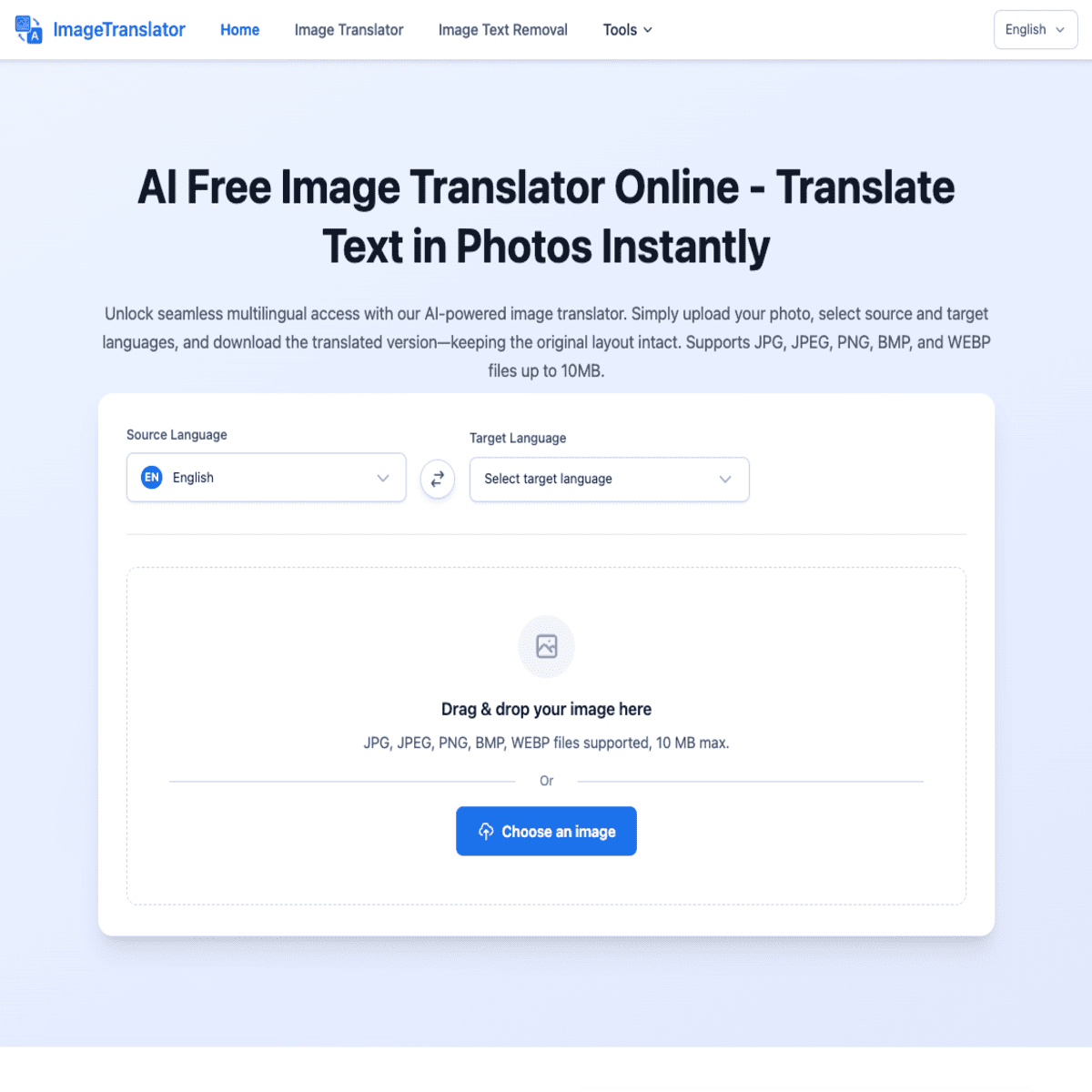
ImageTranslator is an AI-powered image translate tool that translates text within images. It was developed to facilitate seamless multilingual translation and is well-suited for travelers reading foreign signs, students studying multilingual documents, or businesses localizing their visuals.
What to expect from an ideal product
- Upload your image and the AI automatically detects all text elements while keeping their original positions, fonts, and colors intact
- Choose from over 100 languages and watch as the translation appears in the exact same spots where the original text was located
- The smart formatting engine maintains text size, alignment, and styling so your translated image looks professionally designed
- Advanced context recognition ensures translations make sense within the image rather than just translating words individually
- Get your translated image instantly without needing to manually recreate layouts or adjust text placement
More about layout checks
Treat the first result as a proof, not a finished file. OCR accuracy matters most for names, numbers, prices, and short labels where one error changes meaning.
- Compare names, numbers, punctuation, and symbols with the source.
- Check for clipped lines, overlapping words, and text extending beyond boxes.
- If detection fails, crop the relevant area, straighten the image, and try again.

