This task can be performed using PDFTranslator
Free PDF Translate Online
Translate a scanned PDF
Confirm the PDF is scanned by trying to select a sentence. For image-only pages, choose an online PDF translator that performs OCR before translation and can reconstruct tables, text boxes, headers, and page positions.
Upload a clean, correctly oriented file, select the source and target languages, then translate. Compare several output pages with the original, especially dense tables, merged cells, footnotes, and areas where translated text may exceed its original space.
Best product for this task

PDFTranslator
productivity
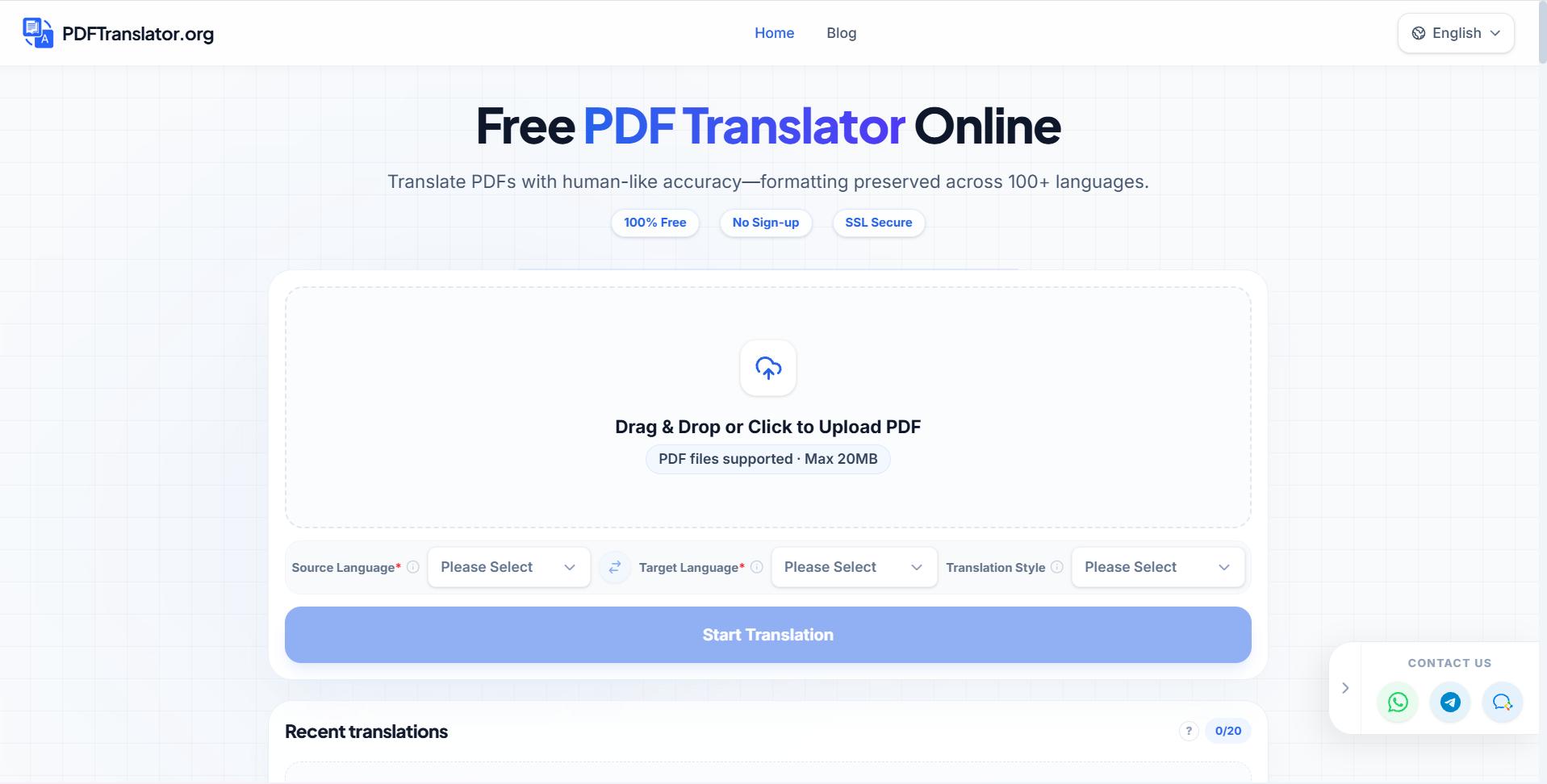
Free PDF Translate is an online PDF translate tool that translates documents without compromising formatting. Using advanced AI PDF translate technology, it supports nearly 100 languages while maintaining layout integrity.
What to expect from an ideal product
- Reliable OCR for scanned text
- Table and merged-cell preservation
- Consistent page layout and pagination
- Broad source and target language support
- Easy translated-file review
More about OCR quality checks
OCR errors become translation errors, so inspect the recognized source text before judging the translation. Numbers, abbreviations, and narrow table columns are common trouble spots.
- Rotate sideways pages and rescan blurred or shadowed sheets before uploading.
- For layout-preserving translation, compare cell boundaries, reading order, and page breaks in the output.
- Spot-check totals, dates, names, and units against the original before sharing.
More topics related to PDFTranslator
Similar topics
- How to fix broken formatting after translating a PDF online?
- Online PDF Translation Workflow for Global HR and Recruiting Teams
- Free PDF Translation for International Student Applications and Academic Records
- How to Choose an AI PDF Translator for Accurate Results
- How to Translate Business PDFs and Check the Final Document

