This task can be performed using Mangra - Manga Translate
AI-powered Manga Reader & Translator
Best product for this task

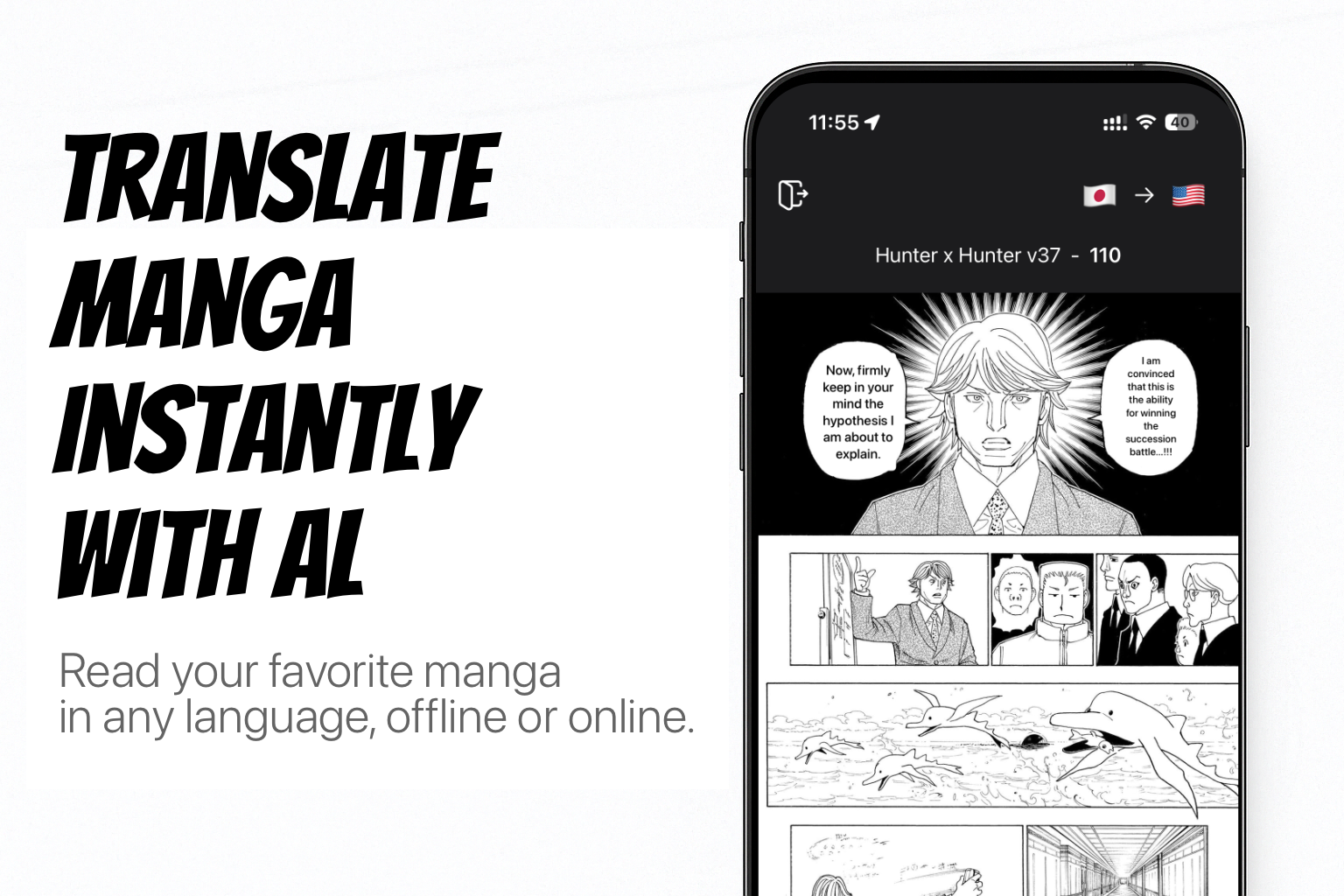
Mangra — read any manga, manhwa, or comic in your language. An AI-powered reader and translator for iOS, iPadOS, and macOS. Drop in a ZIP, RAR, CBZ, CBR, or PDF, or translate manga sites live in the built-in browser — 57 languages, online or offline. Reads vertical Japanese text, erases bubbles with AI inpainting, 2× upscaling, auto-translates whole series, edit mode, 5 AI models, Komga & Paperback, Shortcuts overlay, custom fonts. No ads.
What to expect from an ideal product
- Download and install Manga Translate on your iPhone or iPad to access its built-in offline translation feature that works without any internet connection
- Load your manga files directly into the app using supported formats like ZIP, RAR, CBZ, CBR, or PDF files stored locally on your device
- Tap any text bubble or dialogue in your manga pages and the AI translator will instantly convert it to your preferred language using offline processing
- Set up your target language once in the app settings so all future translations happen automatically without needing to connect to wifi or mobile data
- Use the app's offline mode to read and translate entire manga collections during flights, commutes, or anywhere with poor internet coverage

