This task can be performed using Mangra - Manga Translate
AI-powered Manga Reader & Translator
Best product for this task

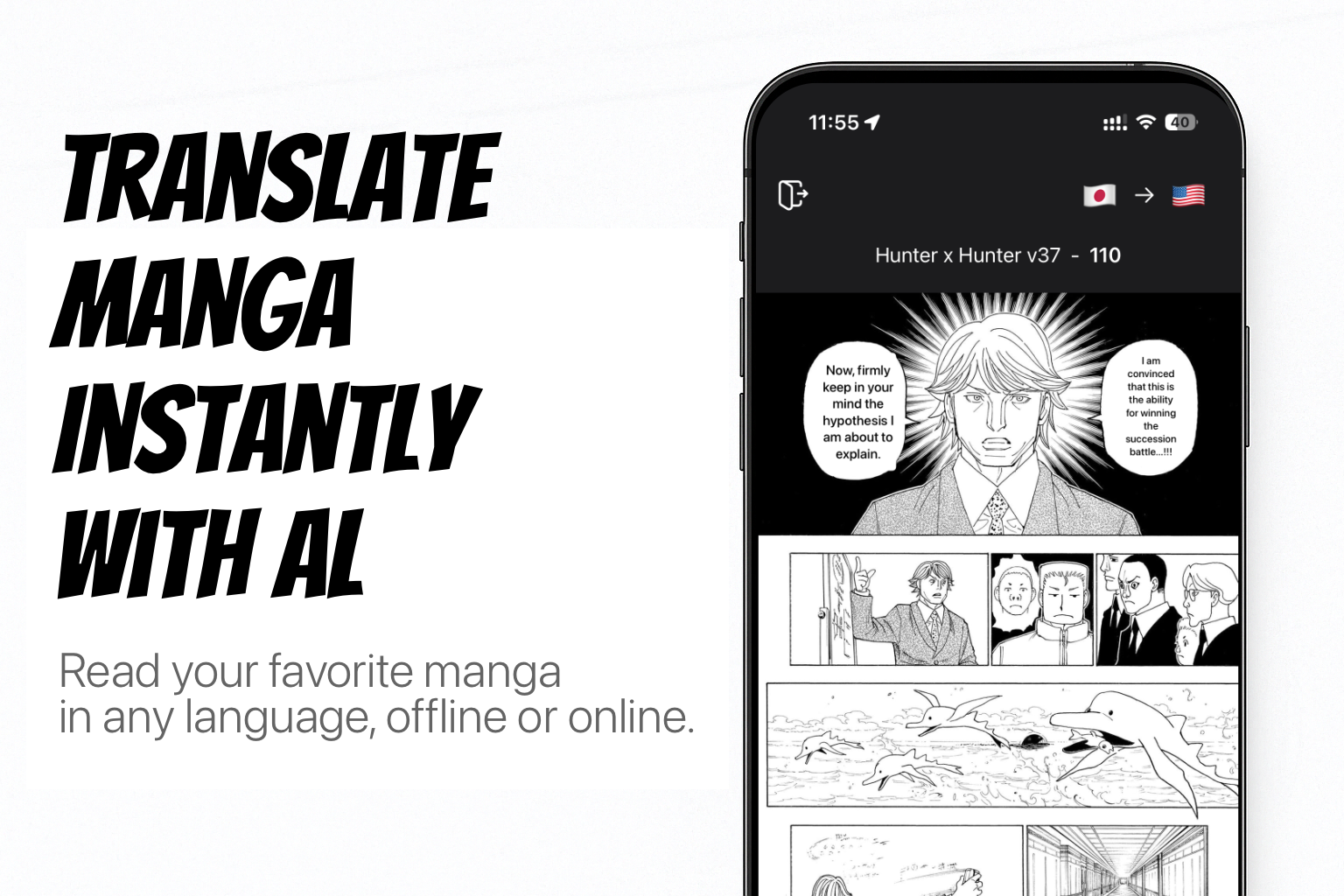
Mangra — read any manga, manhwa, or comic in your language. An AI-powered reader and translator for iOS, iPadOS, and macOS. Drop in a ZIP, RAR, CBZ, CBR, or PDF, or translate manga sites live in the built-in browser — 57 languages, online or offline. Reads vertical Japanese text, erases bubbles with AI inpainting, 2× upscaling, auto-translates whole series, edit mode, 5 AI models, Komga & Paperback, Shortcuts overlay, custom fonts. No ads.
What to expect from an ideal product
- Download manga files in common formats like ZIP, RAR, CBZ, CBR, or PDF directly to your iPhone or iPad and let the AI instantly translate Japanese text to English without needing an internet connection
- Use the built-in browser to visit manga websites and translate pages in real-time as you read, perfect for keeping up with the latest chapters online
- Take advantage of iOS shortcuts integration to quickly access translation features and streamline your manga reading workflow with just a few taps
- Read translated manga smoothly without interruptions from ads or pop-ups, making it easy to follow storylines and dialogue from start to finish
- Get accurate English translations that preserve the meaning and context of Japanese dialogue, helping you understand character emotions and plot details properly

