This task can be performed using Shrine
A cozy pixel room your coding agents furnish
Best product for this task

Shrine
dev-tools
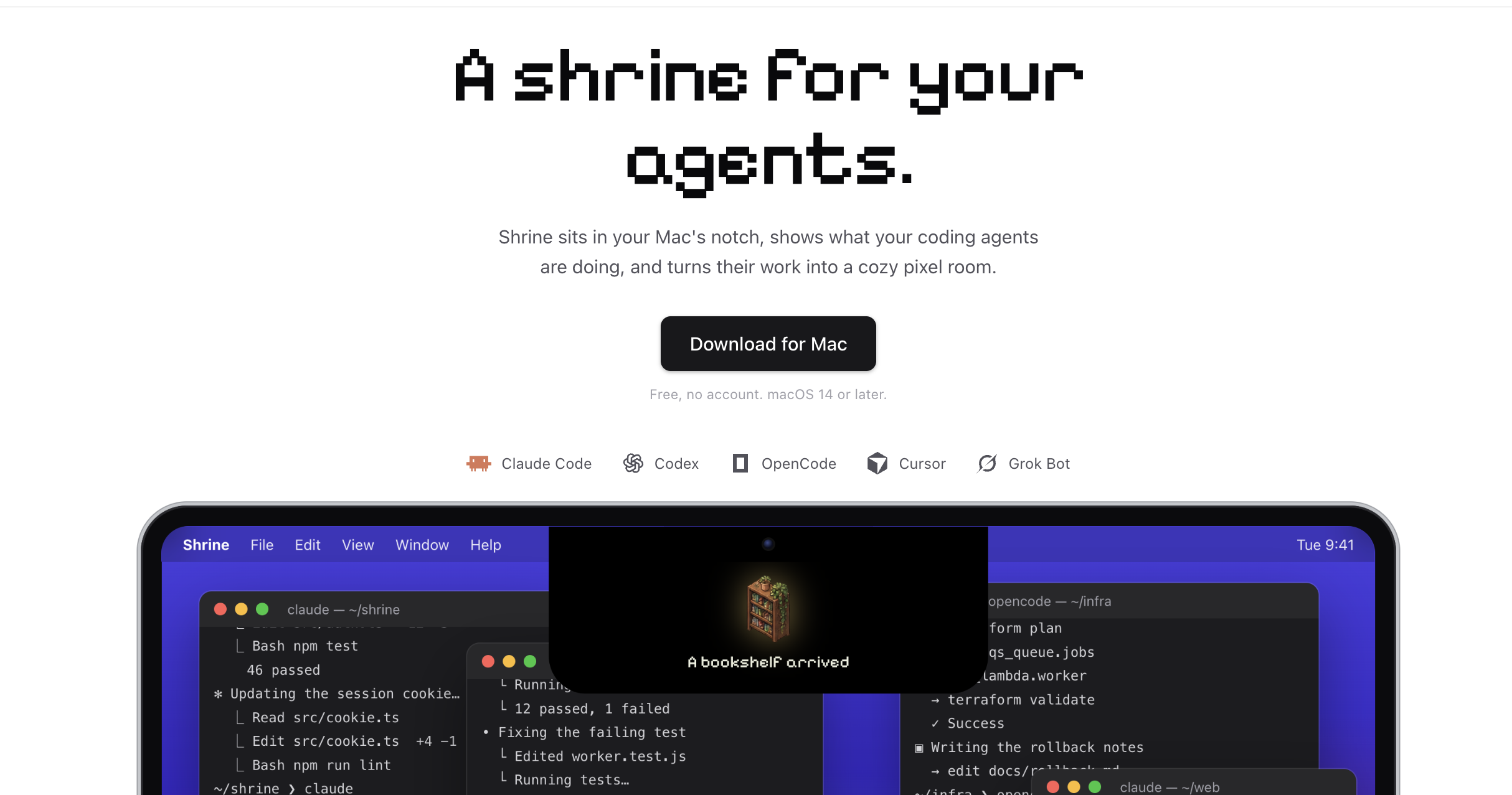
Shrine sits in your Mac's notch, shows what your coding agents are doing, and turns their work into a cozy pixel room. Works with Claude Code, Codex, OpenCode, Cursor and Grok Bot. Free, no account.
agent-shrineai-workflowsdeveloper-productivitymacos-utilitiescoding-assistantsclaude-codepixel-artdynamic-island
What to expect from an ideal product
- Shrine lives in your Mac's notch so you never alt-tab away from your code to check what Claude Code or Codex is doing.
- Every file your agent touches builds out a pixel room, so you get a visual read on progress without staring at terminal logs.
- Works out of the box with Claude Code, Codex, OpenCode, Cursor, and Grok Bot, no config files, no account, just download and run.
- If you run long coding sessions with autonomous agents, Shrine gives you a passive at-a-glance status that fits your existing screen setup.
- It is completely free, which removes the usual friction of trialing yet another developer tool before knowing if it fits your workflow.

