This task can be performed using Shrine
A cozy pixel room your coding agents furnish
Best product for this task

Shrine
dev-tools
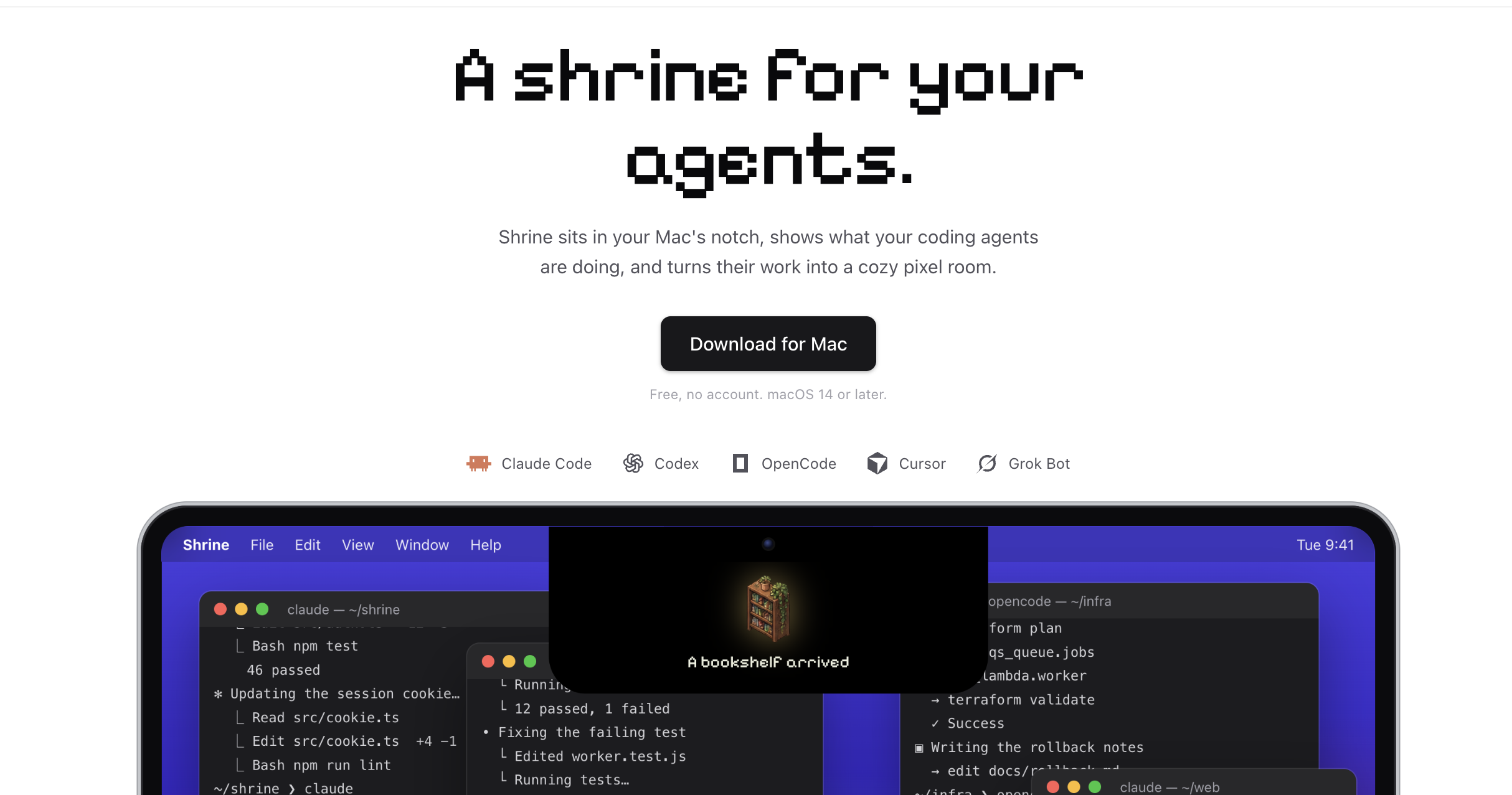
Shrine sits in your Mac's notch, shows what your coding agents are doing, and turns their work into a cozy pixel room. Works with Claude Code, Codex, OpenCode, Cursor and Grok Bot. Free, no account.
agent-shrineai-workflowsdeveloper-productivitymacos-utilitiescoding-assistantsclaude-codepixel-artdynamic-island
What to expect from an ideal product
- Shrine lives in your Mac's notch so you never lose track of what Claude Code, Codex, Cursor, OpenCode, or Grok Bot are doing without switching windows.
- Every task your agents complete adds a new piece to a pixel room, so you get a visual sense of real progress instead of staring at terminal logs.
- No account, no subscription, no setup beyond dropping it in your menu bar, which means you go from download to monitoring in under a minute.
- If you run more than one coding agent at a time, Shrine shows all of them in one glance instead of making you tab between terminals or dashboards.
- The pixel room grows as your agents work, giving you an at a glance record of how much your setup has actually shipped across a session.

