This task can be performed using Shrine
A cozy pixel room your coding agents furnish
Best product for this task

Shrine
dev-tools
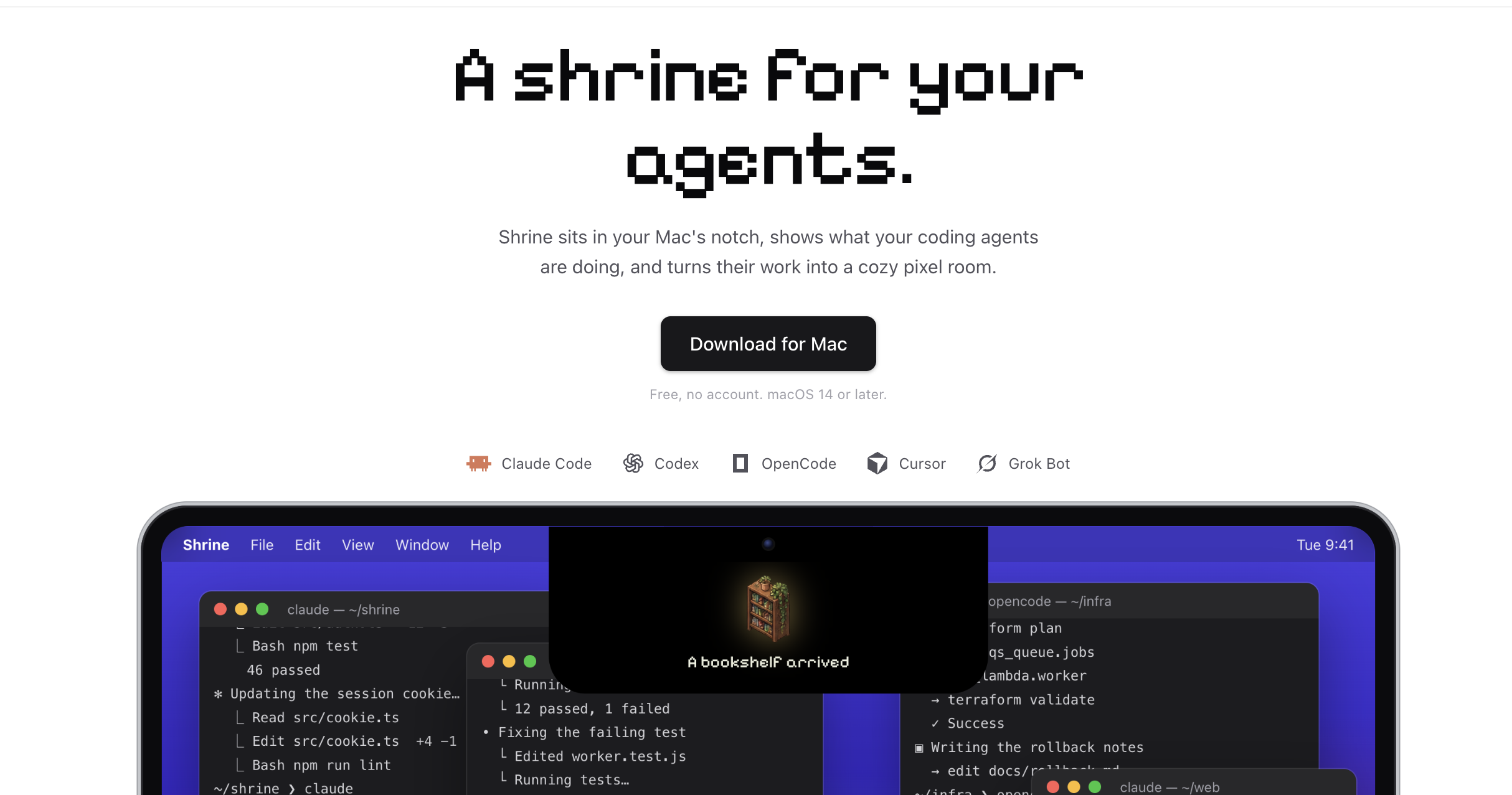
Shrine sits in your Mac's notch, shows what your coding agents are doing, and turns their work into a cozy pixel room. Works with Claude Code, Codex, OpenCode, Cursor and Grok Bot. Free, no account.
agent-shrineai-workflowsdeveloper-productivitymacos-utilitiescoding-assistantsclaude-codepixel-artdynamic-island
What to expect from an ideal product
- Shrine lives in your Mac's notch so you never lose track of what Claude Code is building, deleting, or rewriting across your project files.
- Every file change and terminal command Claude Code runs gets translated into a cozy pixel room that grows and changes as your agent works.
- No account, no setup screen, no subscription wall. Download Shrine, open it, and your Claude Code activity shows up immediately.
- If you run multiple agents at once like Claude Code alongside Cursor or Codex, Shrine tracks all of them from a single spot in your menu bar area.
- Developers who leave Claude Code running overnight use Shrine to check progress at a glance without digging through terminal logs or chat history.

