This task can be performed using Mail Chat
Read Outlook email conversations in a chat-style view
Best product for this task
Mail Chat
productivity
Lost in long Outlook email threads? Mail Chat helps you see who said what and when by displaying related emails in a clear, chronological chat view.
OutlookEmailProductivityEmail ManagementEmail ThreadsConversation ViewWorkflowBusiness Communication
What to expect from an ideal product
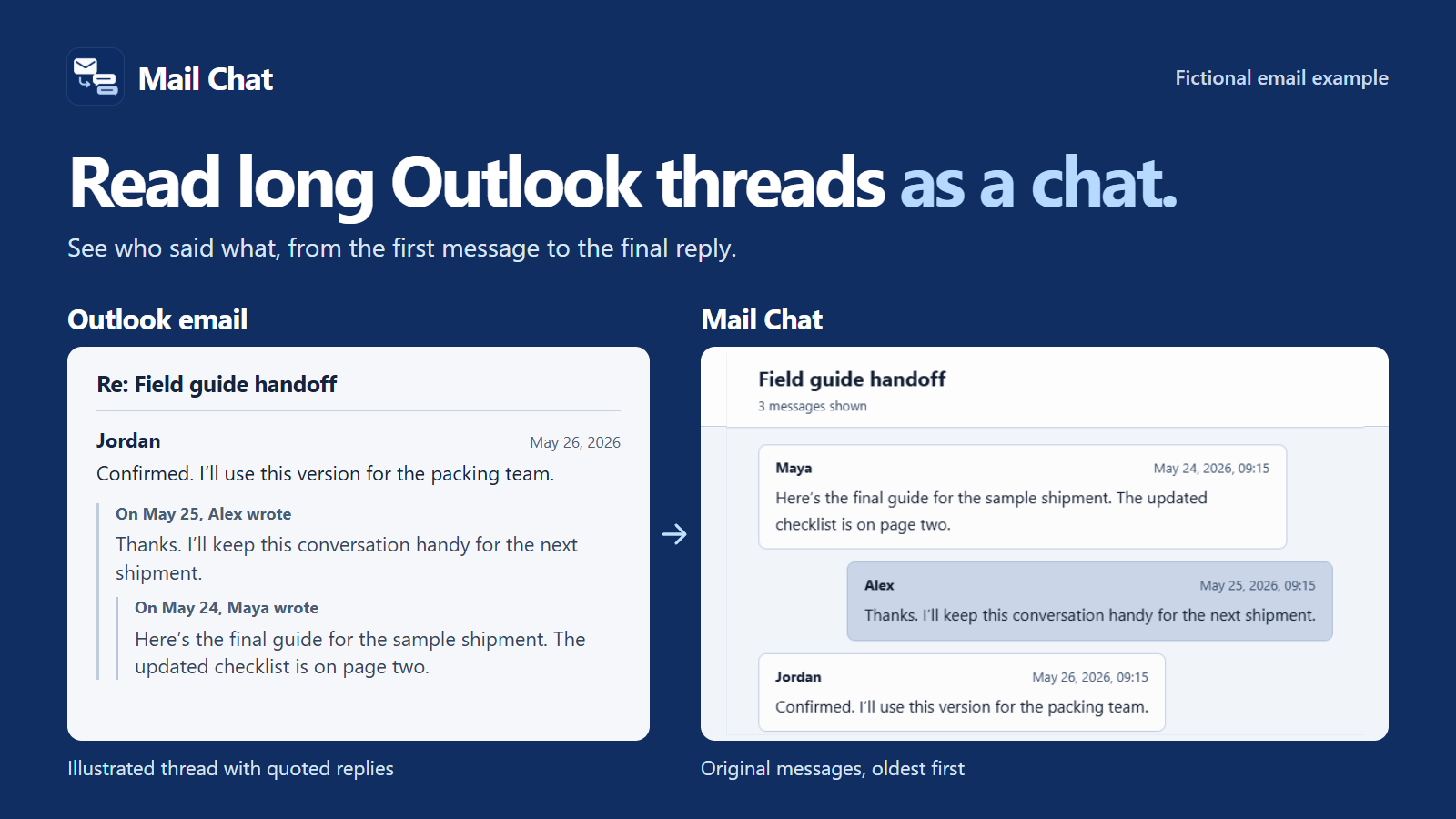
- Mail Chat converts tangled Outlook email threads into a clean chat-style view so you instantly see who wrote what and in what order.
- No more scrolling through forwarded headers and quoted text just to figure out who said what last.
- Each message is grouped by sender and sorted chronologically, making long back-and-forth conversations easy to follow.
- Works directly inside Outlook, so there is no new app to learn and no copy-pasting emails somewhere else.
- Teams dealing with high email volume use Mail Chat to cut down the time spent re-reading threads before replying.