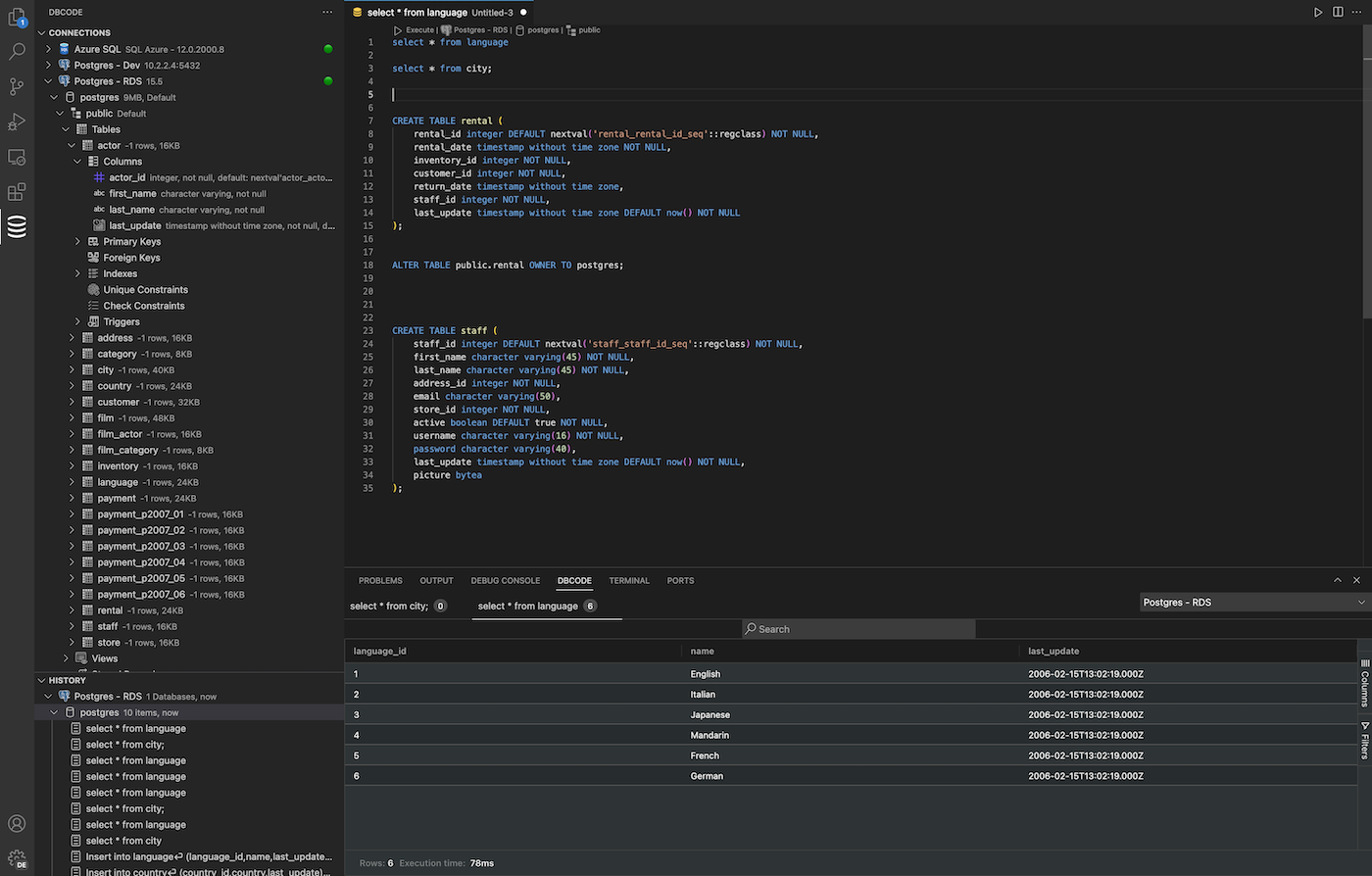
How to query databases directly from Visual Studio Code?
Query databases directly from Visual Studio Code using DBCode
This task can be performed using DBCode
Database management in VSCode
Best product for this task

Connect, query and manage your databases without leaving Visual Studio Code.
What to expect from an ideal product
- Seamless database integration within VS Code
- Quick database connections without switching apps
- Run SQL queries directly in your coding environment
- Manage multiple databases from one interface
- View and edit data without leaving your editor
More topics related to DBCode

Payments backend for indie hackers
All-in-one: Auth, payments & DB
Single command: MCP, Skills
Merchant of Record. Better fees.
Join the Microlaunch builder community
Get product updates, weekly standouts, and founder deals.