This task can be performed using StyleMySnap
Make your screenshots look professional
Best product for this task

StyleMySnap
dev-tools
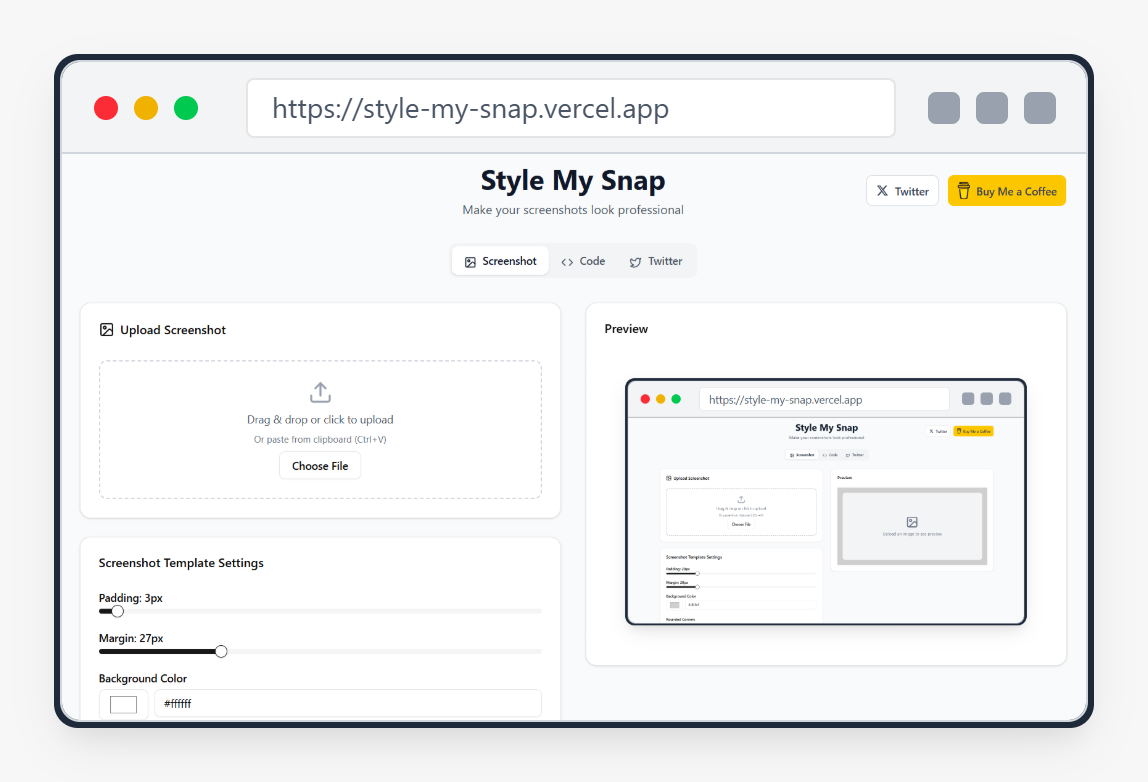
Style My Snap is a free online tool that helps you create professional-looking screenshots, code snippets, and Twitter posts. Perfect for developers, designers, and content creators who want to make their images stand out on social media and documentation.
What to expect from an ideal product
- Turn boring screenshots into eye-catching visuals with custom backgrounds, shadows, and rounded corners that grab attention on Twitter, LinkedIn, and Instagram
- Add your brand colors and logo to screenshots so people instantly recognize your content when it shows up in their social media feeds
- Remove messy browser bars and desktop clutter automatically, leaving only clean, focused images that look like they came from a design studio
- Choose from ready-made templates that follow current design trends, so your screenshots always look modern and polished without any design skills needed
- Export screenshots in the right sizes for different platforms, ensuring your images look sharp whether someone views them on mobile or desktop

