This task can be performed using Meelang
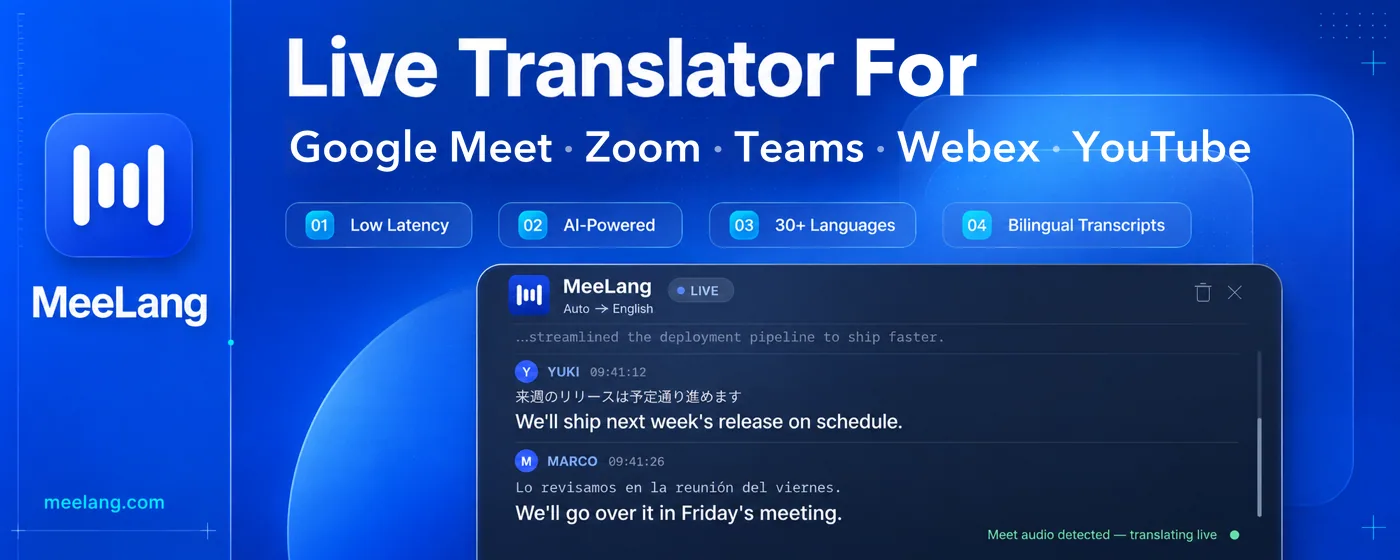
MeeLang is a real-time AI translator for Google Meet, Zoom, Microsoft Teams, Webex, and YouTube
Best product for this task

Meelang
ai
Features: • Multi-platform: one extension for all — Google Meet, YouTube, and the web versions of Zoom, Microsoft Teams, and Webex. • Real-time Translation: translated subtitles arrive while the sentence is still being said. • AI powered: Translated by LLMs, accurate and fluent; AI summary for your meeting content. • Privacy by design: meeting content is kept on your device and never stored on our servers — nothing is lost when the call ends.
Live subtitles and real-time translation for every meetingLive AI Translation with Real-time Subtitles
What to expect from an ideal product
- MeeLang is a Chrome extension that shows live translated subtitles during Google Meet calls, so you never miss what a foreign language speaker is saying
- It works in real time, meaning translations appear on screen as people talk, without any delay or manual steps between you and the conversation
- You do not need the other participants to change anything on their end, MeeLang runs quietly in your own browser and translates for you only
- It is built specifically for Google Meet, not a generic tool, so it plugs directly into your existing meeting workflow without switching tabs or apps
- If you regularly join multilingual calls for work, client meetings, or international teams, MeeLang removes the language barrier without hiring an interpreter or asking people to slow down

