This task can be performed using Meelang
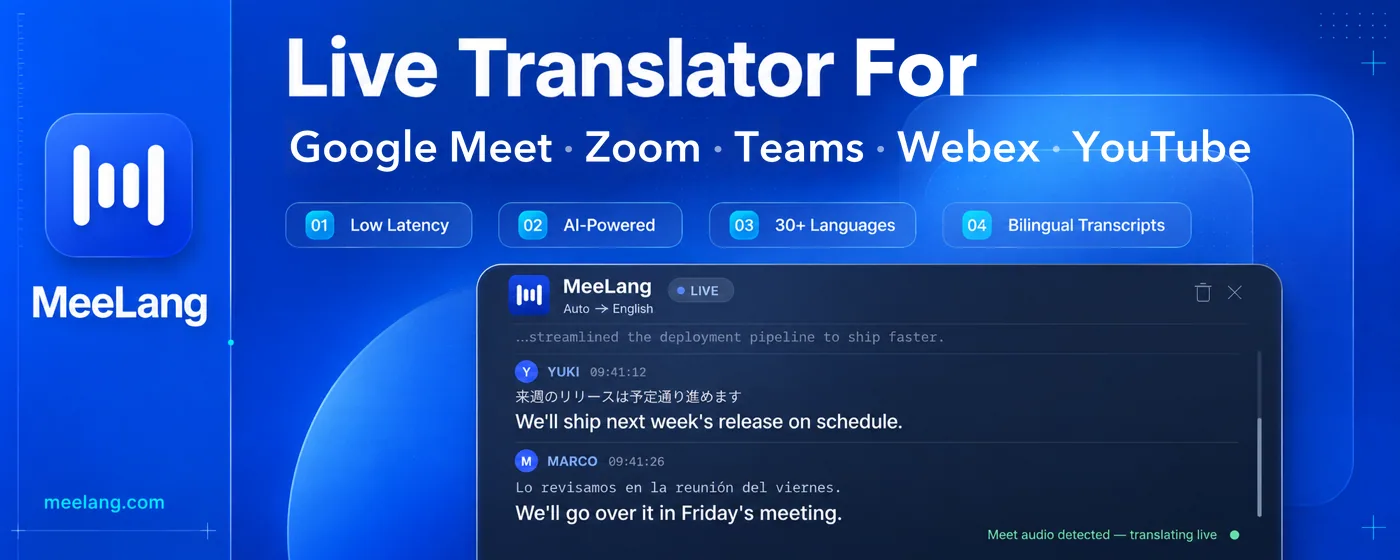
MeeLang is a real-time AI translator for Google Meet, Zoom, Microsoft Teams, Webex, and YouTube
Best product for this task

Meelang
ai
Features: • Multi-platform: one extension for all — Google Meet, YouTube, and the web versions of Zoom, Microsoft Teams, and Webex. • Real-time Translation: translated subtitles arrive while the sentence is still being said. • AI powered: Translated by LLMs, accurate and fluent; AI summary for your meeting content. • Privacy by design: meeting content is kept on your device and never stored on our servers — nothing is lost when the call ends.
Live subtitles and real-time translation for every meetingLive AI Translation with Real-time Subtitles
What to expect from an ideal product
- MeeLang is a Chrome extension that adds live translated subtitles directly inside Google Meet, no separate app or tab switching needed.
- It captures every speaker in the meeting and translates their words into your language in real time, so you never miss what someone said.
- Works for teams spread across different countries where participants speak different native languages on the same Google Meet call.
- Setup takes under two minutes: install the Chrome extension, join a Google Meet call, and subtitles in your chosen language appear automatically on screen.
- Unlike manual note-taking or post-meeting transcripts, MeeLang gives you the translation while the conversation is still happening, so you can respond live.

