This task can be performed using Flyp
Motion in a minute
Best product for this task

Flyp
ui-ux
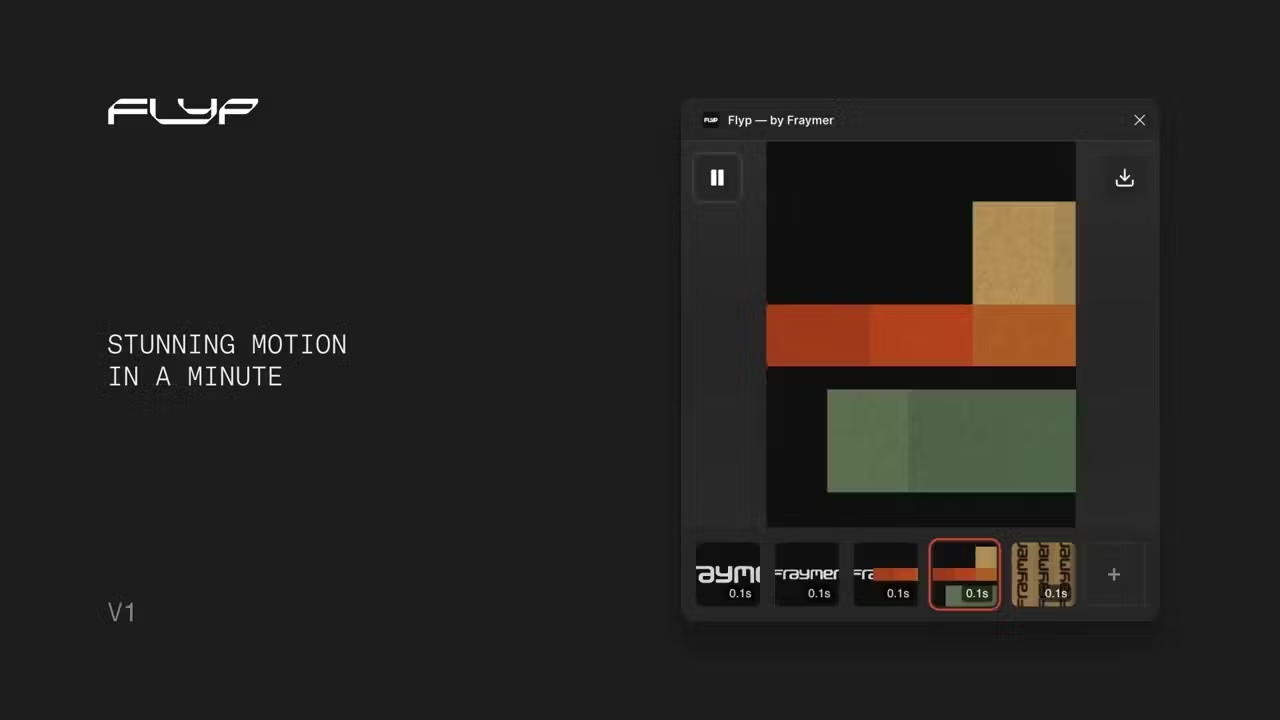
Flyp brings effortless animation to Figma. Turn your static designs into smooth, frame-by-frame animations in seconds. No timelines, no complexity. Create, export as GIF or video, and share with no hassle
What to expect from an ideal product
- Flyp converts your Figma animations directly into video files without needing external screen recording tools or complex export workflows
- The plugin lets you create smooth frame-by-frame animations right inside Figma, then export them as MP4 videos ready for sharing on any platform
- You can skip the hassle of timeline-based animation software by using Flyp's simple approach to turn static designs into moving videos in seconds
- Export options include both GIF and video formats, giving you flexibility to share animations via email, Slack, presentations, or social media
- The tool eliminates the need to juggle multiple apps or learn complicated animation software just to get your Figma designs moving and shareable

