This task can be performed using Graphium
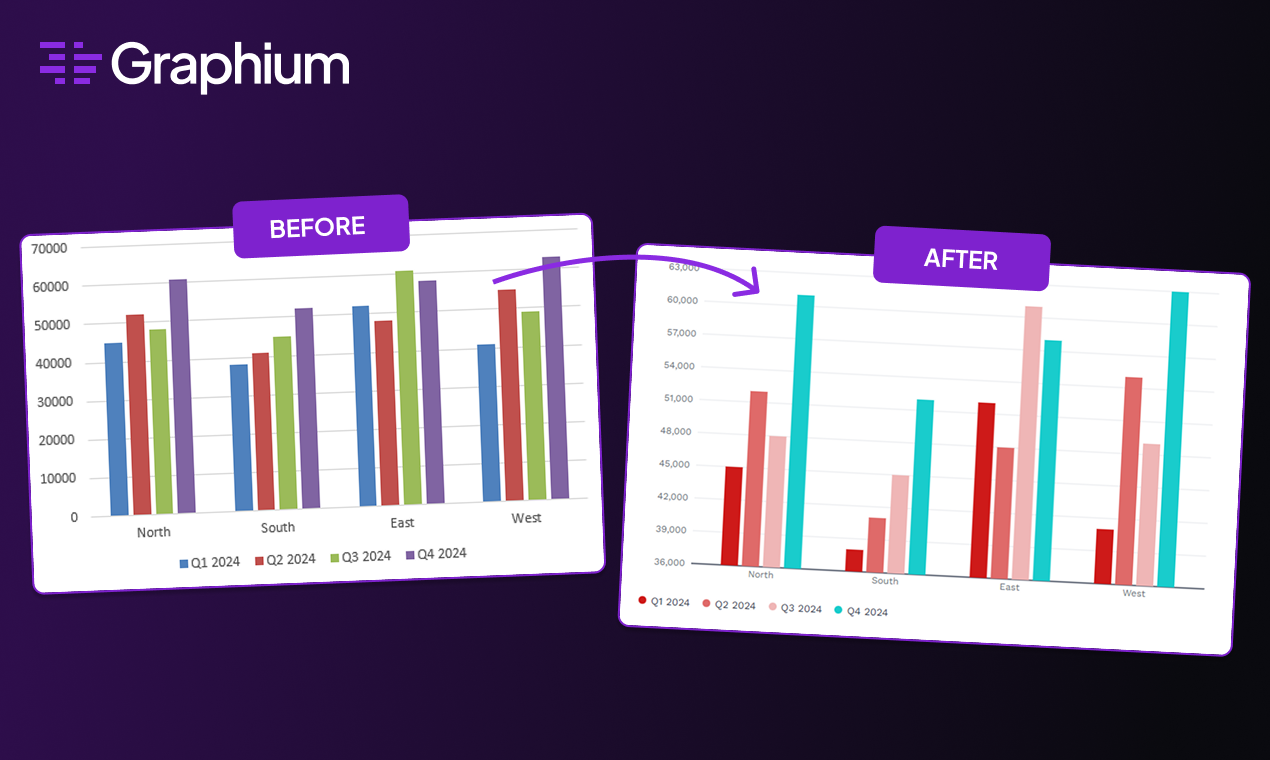
Turn Excel & PowerPoint charts into branded, publication-ready visuals
Best product for this task

Graphium
productivity
Graphium takes your ugly Excel and PowerPoint charts and reformats them into clean, publication-ready visuals with consistent brand styling, in seconds.
What to expect from an ideal product
- Graphium automatically applies your brand colors, fonts, and styling rules to any PowerPoint chart without manual formatting
- The software reads your existing brand guidelines and instantly transforms messy charts into polished visuals that match your company standards
- You can set up brand templates once and Graphium will apply the same consistent look across all your PowerPoint presentations
- Charts get reformatted in seconds rather than spending hours manually adjusting colors, fonts, and layouts for each slide
- The tool ensures every chart follows the same visual standards, eliminating inconsistent styling across different team members' presentations

