This task can be performed using Patent Solve
Draft patent office action responses in minutes, not days.
Best product for this task

Patent Solve
productivity
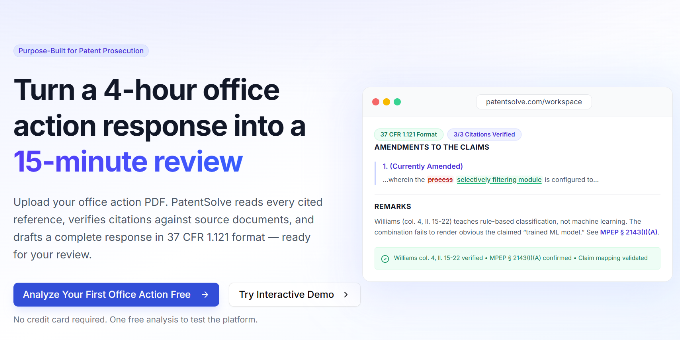
PatentSolve uses AI to analyze USPTO office actions and draft complete responses for patent practitioners. Upload a rejection, and it identifies every ground, maps claims to prior art, builds examiner-specific prosecution strategies, generates arguments with verified citations, and exports a Word document ready to file. Built for any attorney or paralegal who needs outstanding quality .
What to expect from an ideal product
- Patent Solve reads your USPTO rejection letter and breaks down each ground of rejection automatically, so you don't have to hunt through pages of examiner notes to figure out what's being rejected and why
- The system matches each rejected claim to the specific prior art references the examiner cited, creating a clear visual map that shows exactly which parts of your claims are problematic according to the office action
- It pulls data from the examiner's past decisions and rejection patterns to build a response strategy tailored to how that specific examiner typically handles similar cases
- The AI generates detailed arguments against each rejection ground with proper legal citations and case law references that you can verify and use in your response
- Everything gets packaged into a complete Word document with proper formatting that matches USPTO requirements, ready for you to review, edit if needed, and file directly

