This task can be performed using Patent Solve
Draft patent office action responses in minutes, not days.
Best product for this task

Patent Solve
productivity
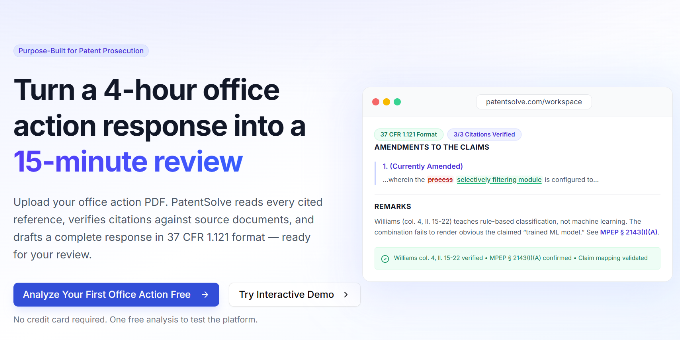
PatentSolve uses AI to analyze USPTO office actions and draft complete responses for patent practitioners. Upload a rejection, and it identifies every ground, maps claims to prior art, builds examiner-specific prosecution strategies, generates arguments with verified citations, and exports a Word document ready to file. Built for any attorney or paralegal who needs outstanding quality .
What to expect from an ideal product
- Upload your USPTO office action and let the AI instantly identify every rejection ground and prior art reference, eliminating hours of manual review and analysis
- Get examiner-specific prosecution strategies that adapt to individual examiner preferences and track records, helping you craft responses that align with their decision patterns
- Receive complete argument drafts with verified legal citations that address each rejection point systematically, cutting down research and writing time from days to minutes
- Export a polished Word document that's formatted and ready to file, removing the need for extensive editing and revision cycles before submission
- Handle multiple office actions simultaneously while maintaining consistent quality across all responses, allowing you to clear your backlog faster than traditional methods

