This task can be performed using Patent Solve
Draft patent office action responses in minutes, not days.
Best product for this task

Patent Solve
productivity
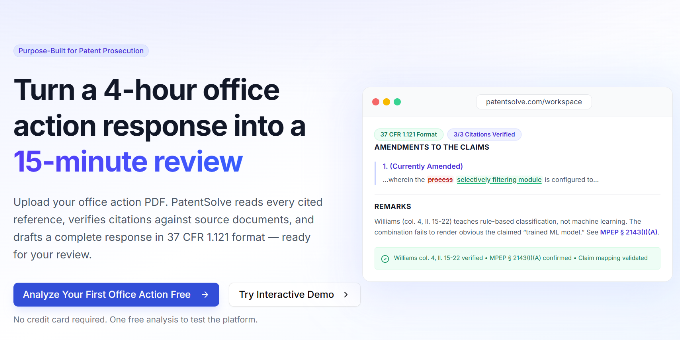
PatentSolve uses AI to analyze USPTO office actions and draft complete responses for patent practitioners. Upload a rejection, and it identifies every ground, maps claims to prior art, builds examiner-specific prosecution strategies, generates arguments with verified citations, and exports a Word document ready to file. Built for any attorney or paralegal who needs outstanding quality .
What to expect from an ideal product
- Patent Solve pulls examiner history and allowance rates to tailor arguments that match how that specific examiner actually grants claims.
- Upload a USPTO office action and get a mapped breakdown of every rejection ground, referenced claim, and cited prior art reference in one pass.
- Responses include verified citations pulled directly from the record, so attorneys skip the manual cross-checking step before filing.
- Patent paralegals can generate a complete Word-formatted response draft without waiting on partner review to even start the document.
- Practitioners handling high-volume prosecution dockets use Patent Solve to cut response turnaround from several days to under an hour.

