SuperBased Reviews — Discover what people think of this product.
SuperBased
AI-native screenshot & voice dictation app for developers
- supporters
What does SuperBased help with?
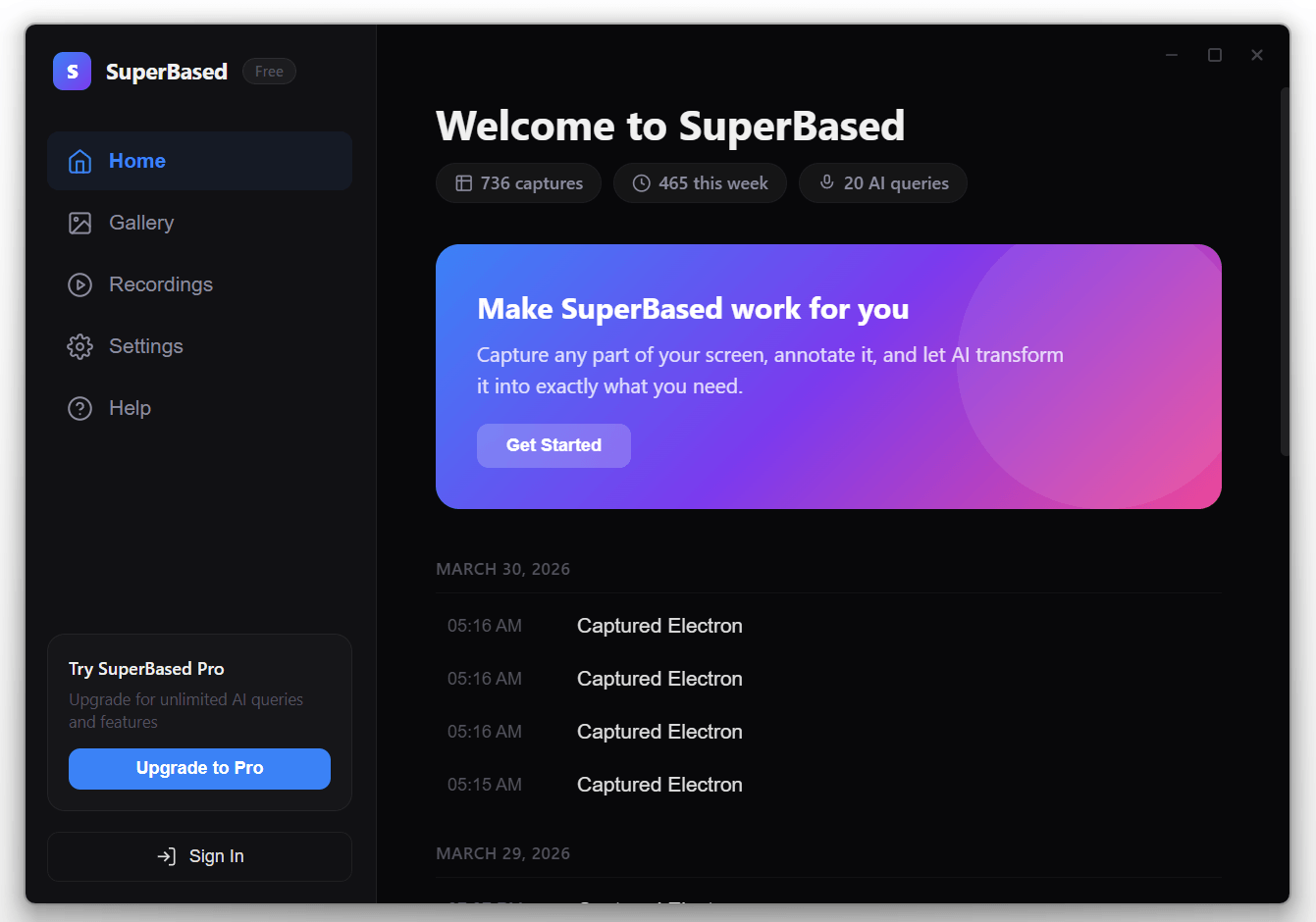
SuperBased runs as a background process with global keyboard shortcuts. You never need to switch windows or open the app to capture. Hit Ctrl+Shift+S (Win) or Cmd+Shift+S (Mac) and you're in capture mode instantly — take as many screenshots as you need, then hit Escape and you're back to your editor. The whole thing takes 2-3 seconds, not 15. For auto-capture (Ctrl+Shift+R / Cmd+Shift+R), it's even more zero-friction — it silently captures screenshots based on your mouse clicks and keyboard events while you keep working. You don't interact with SuperBased at all during this. When you're done, toggle it off and all your captures are waiting. Voice notes (Ctrl+Alt / Cmd+Opt) work the same way — press the shortcut wherever your cursor accepts text, speak your note, and it gets transcribed. No window switching. The SuperBased window itself is only for reviewing, annotating, or managing your captures after the fact. The capture flow is designed to be completely inline with your existing workflow — whether you're in Claude Code, VS Code, terminal, or browser.
Featured Today

tiun
Payments backend for indie hackers
All-in-one: Auth, payments & DB
Single command: MCP, Skills
Built for developers.
Merchant of Record. Better fees.
Join the Microlaunch builder community
Get product updates, weekly standouts, and founder deals.